


Choosing a dedicated server in London is a mix of three questions: where are your users, what does your software need, and who can you trust when something breaks? London is the UK's main data centre hub, so it is a safe place to start. It is not the right answer for every project, though.
This guide shows when a London dedicated server makes sense, what to check before you order, and how to match the hardware to your workload. It is written for both UK and US buyers.
Quick answer: A dedicated server in London is a whole physical machine in a UK data centre hub. It gives UK and European users low latency (typically 5 to 16 ms to Amsterdam, Paris and Frankfurt) and reaches New York in roughly 65 to 75 ms. Pick the CPU, RAM, storage and port speed by workload, not by price alone.
What Is a London Dedicated Server?
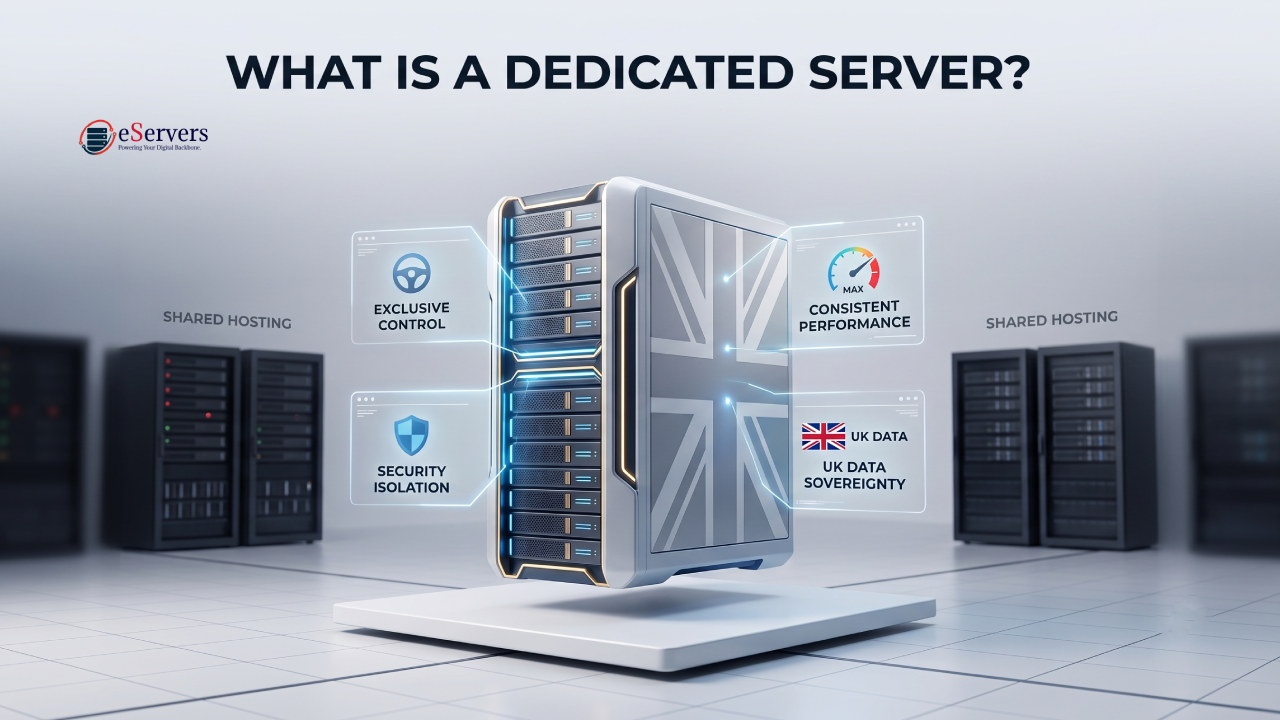
A dedicated server is one physical computer that only you use. Nobody else shares its CPU, memory or disks. Bare metal means there is no virtualisation layer between your software and the hardware, so you get the full performance of the machine. If you want the longer comparison, read bare metal vs traditional dedicated servers, or the beginner's guide to dedicated servers.
You normally get root access (full administrator control) and IPMI (a separate management port that lets you reboot the server or mount an install disk even when the operating system is down). Our IPMI setup tutorial shows how it works.
"London" can mean different things. Data centre analysts treat Greater London as a wide market, and outlying areas such as Slough count as part of it. eServers lists Slough as its own location, so check the Slough servers page too if you want a nearby alternative. For London itself, eServers lists five facilities: Centersquare (LHR2-A), Digital Realty (LGW14 and LHR18), Equinix (LD8) and NTT DATA (London 1). You can see them on the London data centre overview.
Why Businesses Choose Dedicated Servers in London
Three reasons come up again and again.
It is the biggest market. CBRE reports that London held about 83% of total UK data centre supply in early 2026. More capacity means more carriers, more cloud on-ramps and more choice.
Dense fibre. Savills points to London's fibre density and cloud ecosystems as the reason demand stays concentrated there. Shorter network paths mean lower latency for your users.
Familiar legal setting. Hosting in the UK keeps your data under UK law, which many UK customers and auditors ask for.
London is not automatically the best fit, though. Many AI and batch workloads do not need low latency to the capital, and analysts note that some operators now build outside London because power is easier to get. We cover that in the section on other UK locations below.
London Server Latency: What to Expect
Latency is the time a packet needs to travel to your server and back, measured in milliseconds (ms). It is also called round-trip time (RTT). Distance sets a hard floor, because light in fibre travels at roughly two-thirds of its vacuum speed. Routing, peering and congestion decide how far above that floor you land.
Here are typical round-trip latency ranges you can expect from a well-connected London data centre. Actual results will vary depending on your ISP, carrier peering, and specific network route:
| Route from London | Typical Round-Trip Time (RTT) |
|---|---|
| Amsterdam | ~5 – 8 ms |
| Paris | ~6 – 10 ms |
| Frankfurt | ~12 – 16 ms |
| Berlin | ~15 – 20 ms |
| New York | ~65 – 75 ms |
| Ashburn, Virginia | ~70 – 80 ms |
Because transatlantic fibre cables physically limit how fast light can travel between Europe and North America, a 65 to 75 ms round trip between London and New York is close to the practical optimum for standard commercial routing.
Test it yourself. Ask any provider for a test IP before you commit, then run:
ping -c 20 TEST_IP
mtr -rwzc 50 TEST_IP
ping shows the average round-trip time. mtr shows every hop on the path and where delay or packet loss starts. For more on why distance matters, see our article on server location and hosting performance.
Hosting in London as a US Business
A London dedicated server suits US companies that sell to the UK and Europe. From London, Paris and Amsterdam are typically under 10 ms away, and Frankfurt is around 12 to 16 ms. One server can serve most of Western Europe quickly.
It suits you less if most of your users sit in the US. Around 65 to 75 ms to New York is fine for websites, APIs and backups, but it adds noticeable delay to real-time apps for American players or traders. In that case, host in the US and use London as a second site.
Practical points for US buyers:
Payments. The London page lists cards (Visa, Mastercard, American Express), bank transfer, Bitcoin and USDT (TRC-20). Prices on that page are shown in US dollars.
Support. eServers states 24/7 support, which covers US working hours.
Data protection. If you handle personal data of people in the UK, UK GDPR applies to you wherever your company is based. A UK server can simplify questions about moving data abroad, but it does not make you compliant on its own. See our guide to GDPR and UK data residency, and check the ICO's guidance or a lawyer for your case.
Hosting in London as a UK Business
For UK businesses the case is simple: your visitors are close, your data stays in the UK, and you deal with a UK support team. A London dedicated server works well for e-commerce, SaaS back ends, game communities and database-heavy applications. If you run a shop, our guide on NVMe bare metal for UK e-commerce explains how disk speed affects checkout times.
Not sure you have outgrown your current plan? Read when to upgrade from a VPS to a dedicated server.
How to Choose the Right Specs
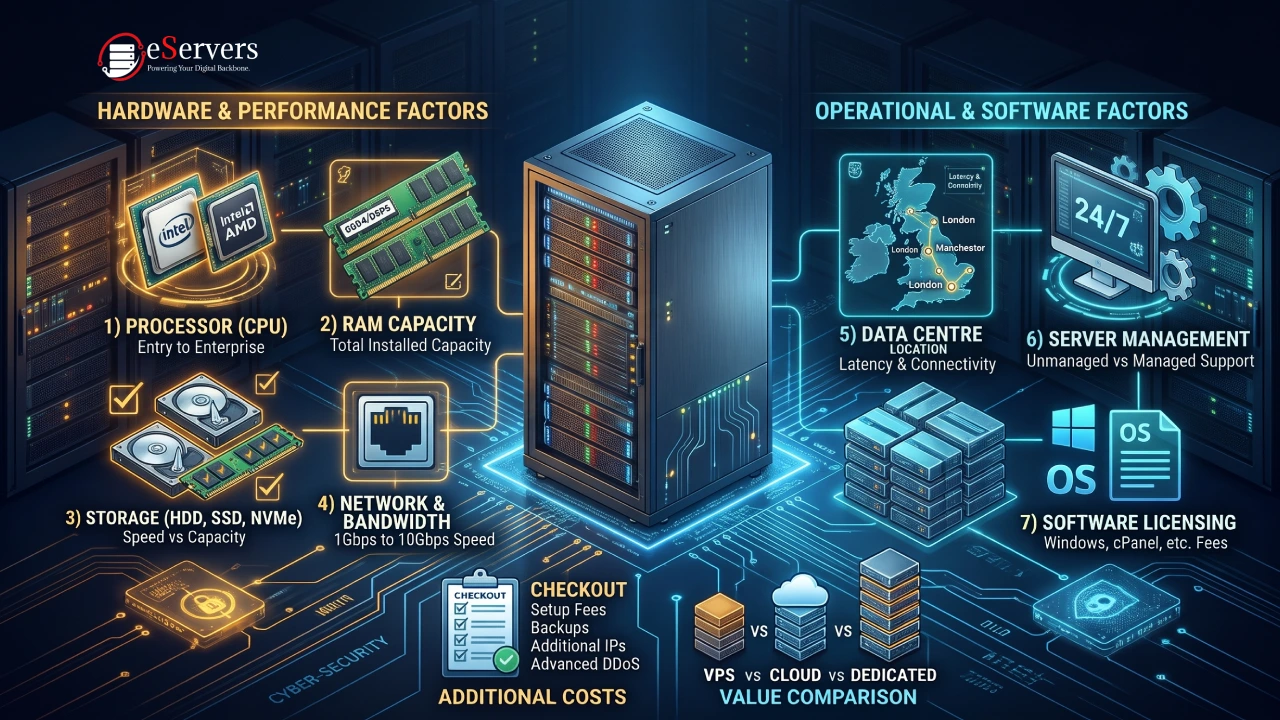
CPU: clock speed or core count?
High clock speed (for example AMD Ryzen) helps workloads that depend on one fast core, such as game servers and some web applications.
Many cores (for example AMD EPYC or dual Intel Xeon) help databases, virtual machines and containers that run many tasks at once.
Intel Xeon is a long-standing choice for general business workloads.
Our Intel Xeon vs AMD EPYC guide goes deeper. You can also browse Intel and AMD server ranges.
RAM: how much is enough?
As a rough guide, a small site or app runs well on 16 GB. Databases and virtualisation often need 64 to 128 GB or more, because they keep working data in memory. ECC RAM (error-correcting memory) catches and fixes memory errors, so it is worth having for databases and business systems.
Storage: HDD, SSD or NVMe?
HDD gives the most capacity for the money. It suits backups and archives.
SSD is much faster for everyday workloads.
NVMe is the fastest type and suits databases, busy shops and game worlds.
If you use several disks, plan your RAID level before you order.
Port speed and bandwidth: 1Gbps or 10Gbps?
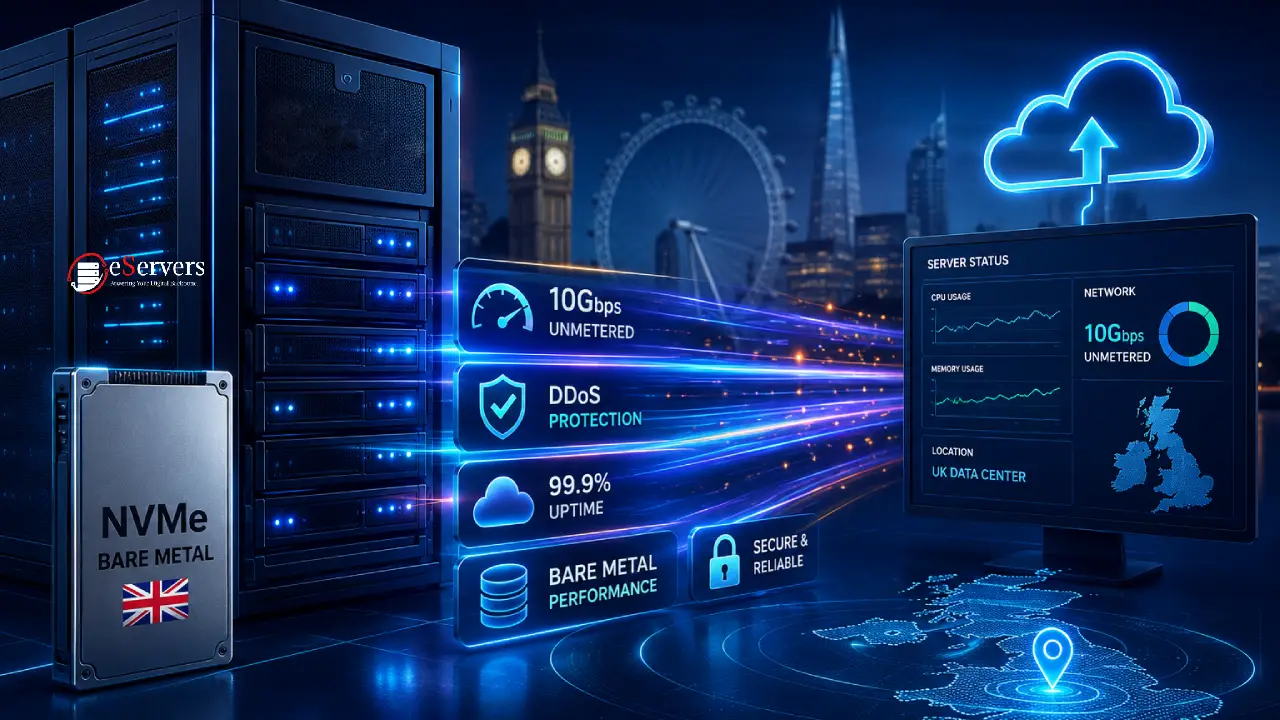
Port speed is how fast data can flow. Unmetered means there is no monthly data cap, not that the port is faster. A 1Gbps port is enough for most websites and applications. Choose 10Gbps for video streaming, large downloads or heavy API traffic. eServers has separate pages for 1Gbps, 10Gbps and unmetered servers, and our 10Gbps guide explains who needs it.
Match the server to the job
| Workload | What matters most | Look for |
|---|---|---|
| Business website or online shop | Fast storage, steady CPU | NVMe or SSD, 1Gbps port |
| Game server (Minecraft, Rust, CS2) | Single-core speed, DDoS defence | High-clock Ryzen, NVMe, DDoS protection |
| Database or virtual machines | Cores and RAM | EPYC or dual Xeon, ECC RAM, NVMe |
| Video streaming or large downloads | Port speed | 10Gbps, unmetered |
| Backups and archives | Capacity | Large HDDs with RAID |
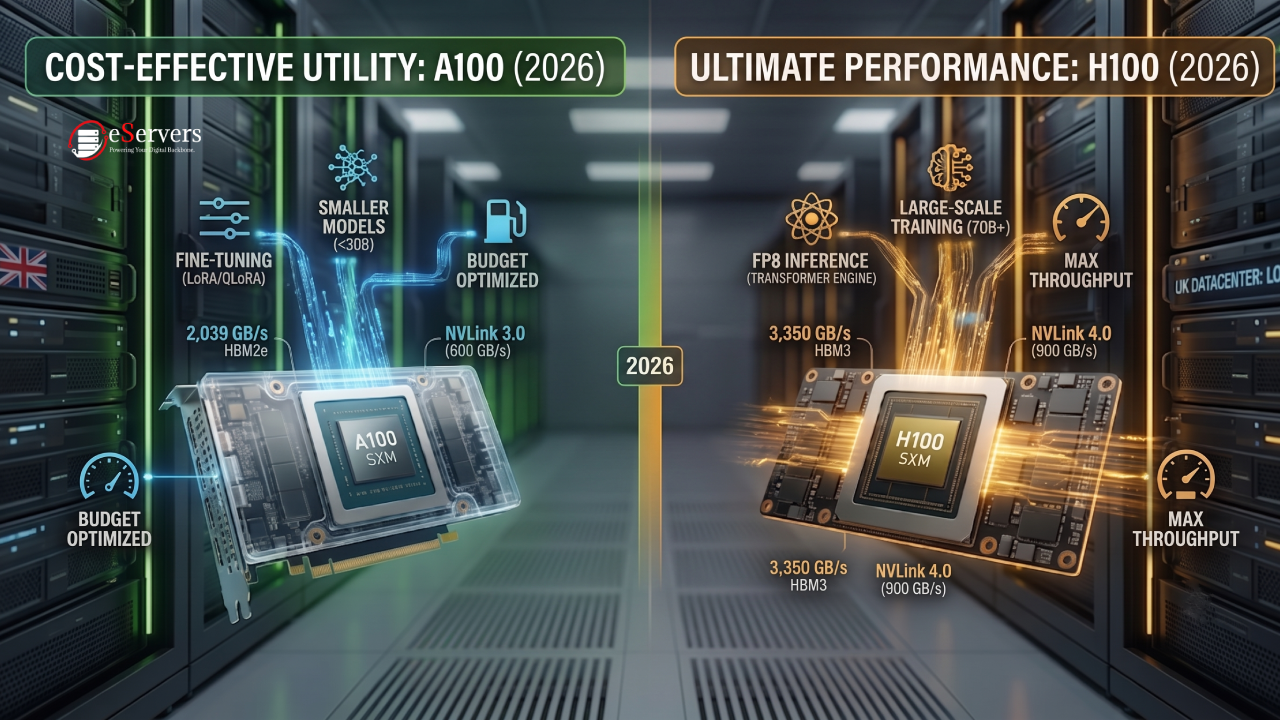
| AI and rendering | GPU memory | See GPU servers for current locations |
Real examples from the London listing
These two cards were on the London dedicated servers page on 27 November 2026. Stock and prices change, so check the live list.
| Server | CPU | RAM | Storage | Network | Price shown |
|---|---|---|---|---|---|
| Intel Xeon E3-1230 v6 | 4 cores @ 3.50 GHz | 16 GB DDR4 | 2x 2TB HDD | 500Mbps unmetered | $54/month |
| AMD Ryzen 9 9950X | 16 cores @ 4.30 GHz | 192 GB DDR5 | 2x 1.92TB NVMe | 1Gbps unmetered | $355/month |
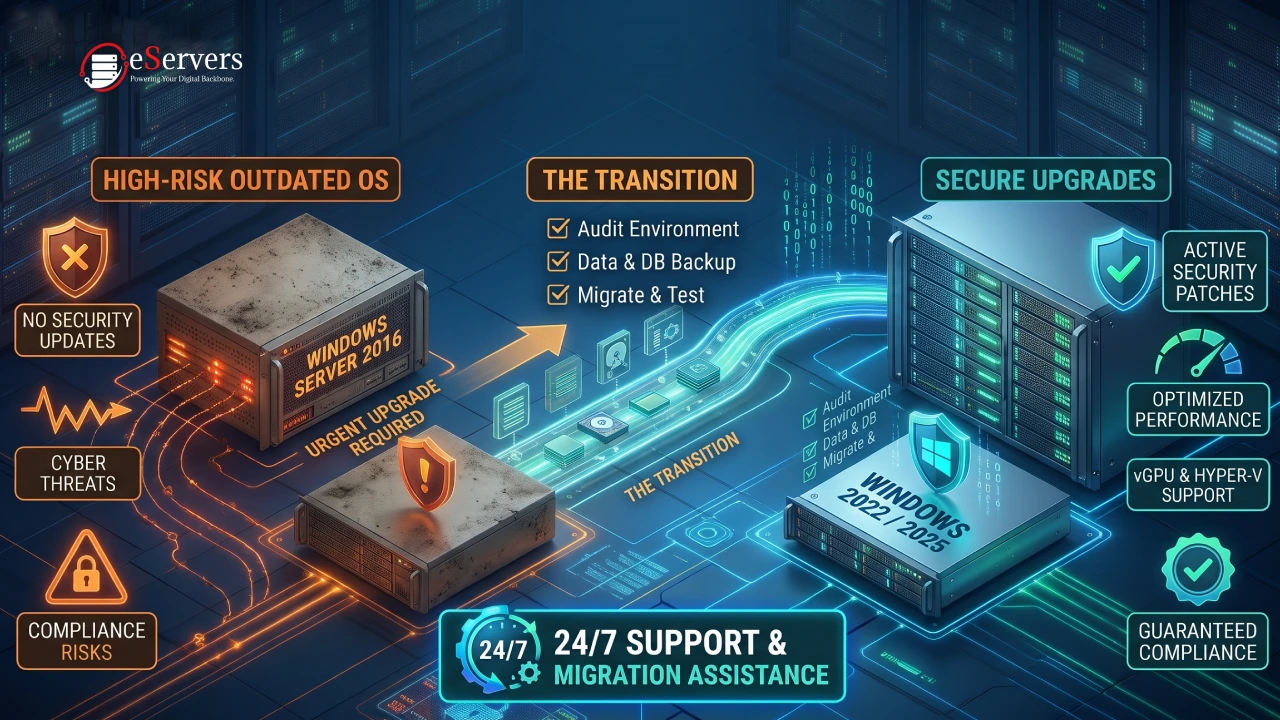
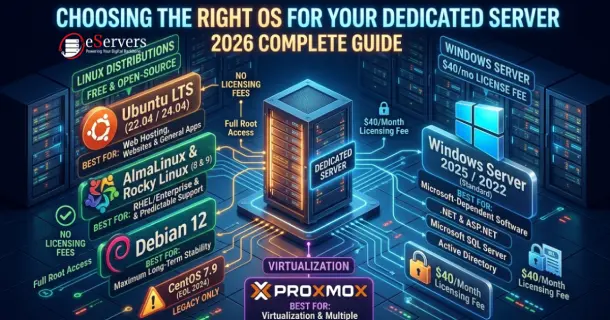
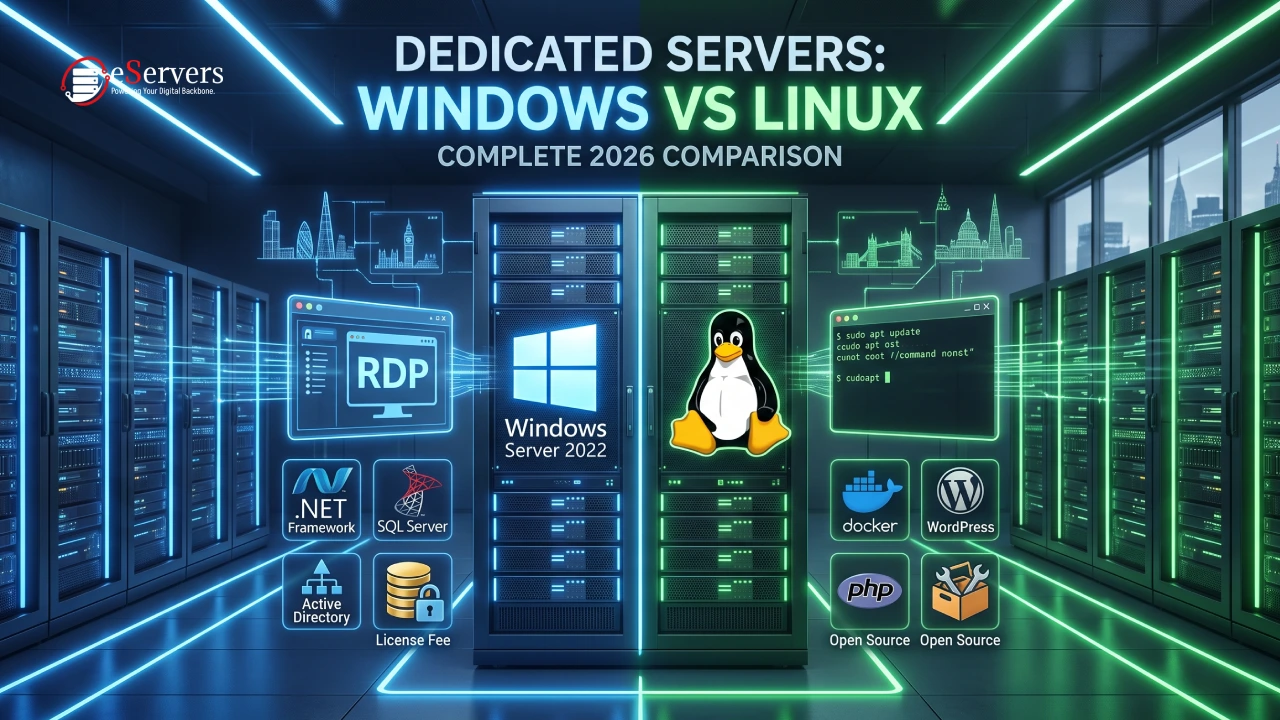
The first suits a small site, a backup node or a test environment. The second suits game hosting and other single-core-heavy work. Both use an operating system you choose, and our OS guide helps you pick one. Windows Server adds a licence fee, while Linux does not.
Network, DDoS and Uptime: What to Check
Hardware is only half the story. A fast server on a poor network still feels slow.
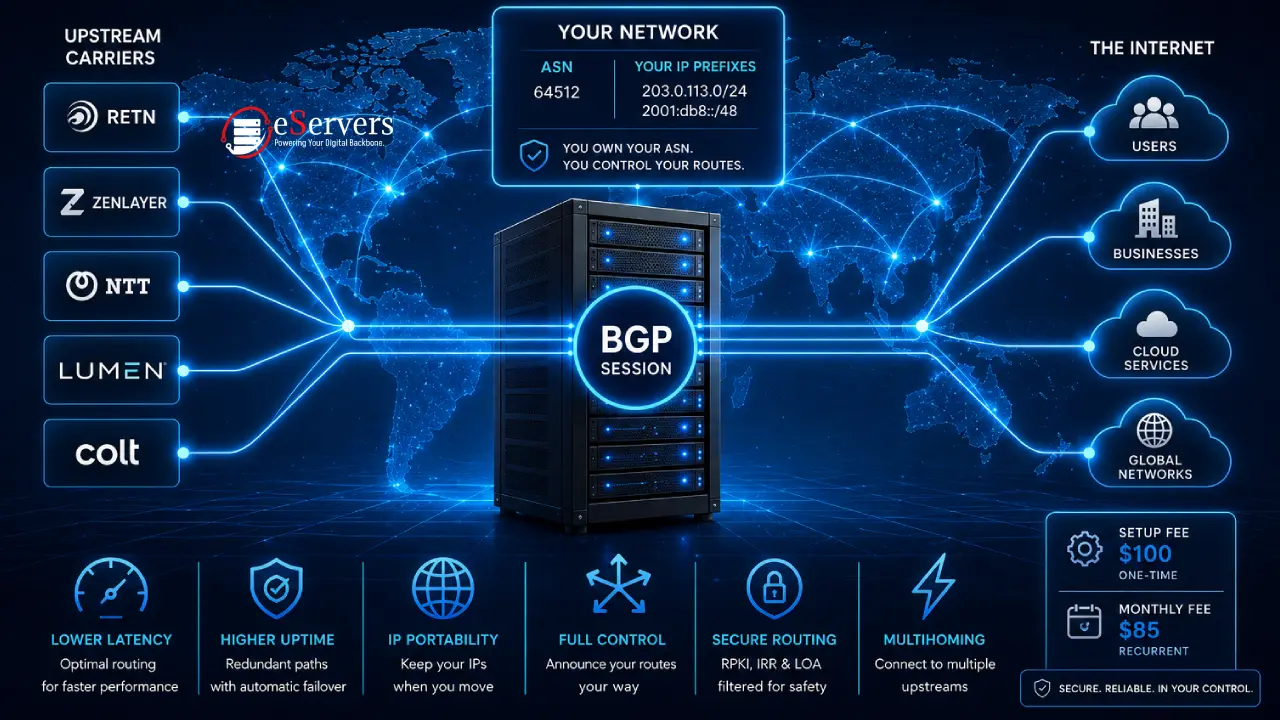
Carriers. A provider that buys transit from several large carriers can reroute traffic if one path fails. eServers lists NTT, Lumen, Cogent, Arelion, Colt, GTT and Telia among its connectivity partners, and says it keeps port utilisation below 40% to leave room for spikes. Details are on the network page.
Peering. An internet exchange is a shared switch where networks swap traffic directly instead of paying a middleman. London's main exchange is LINX. Direct peering shortens routes and can cut latency. Ask any provider which exchanges it actually uses.
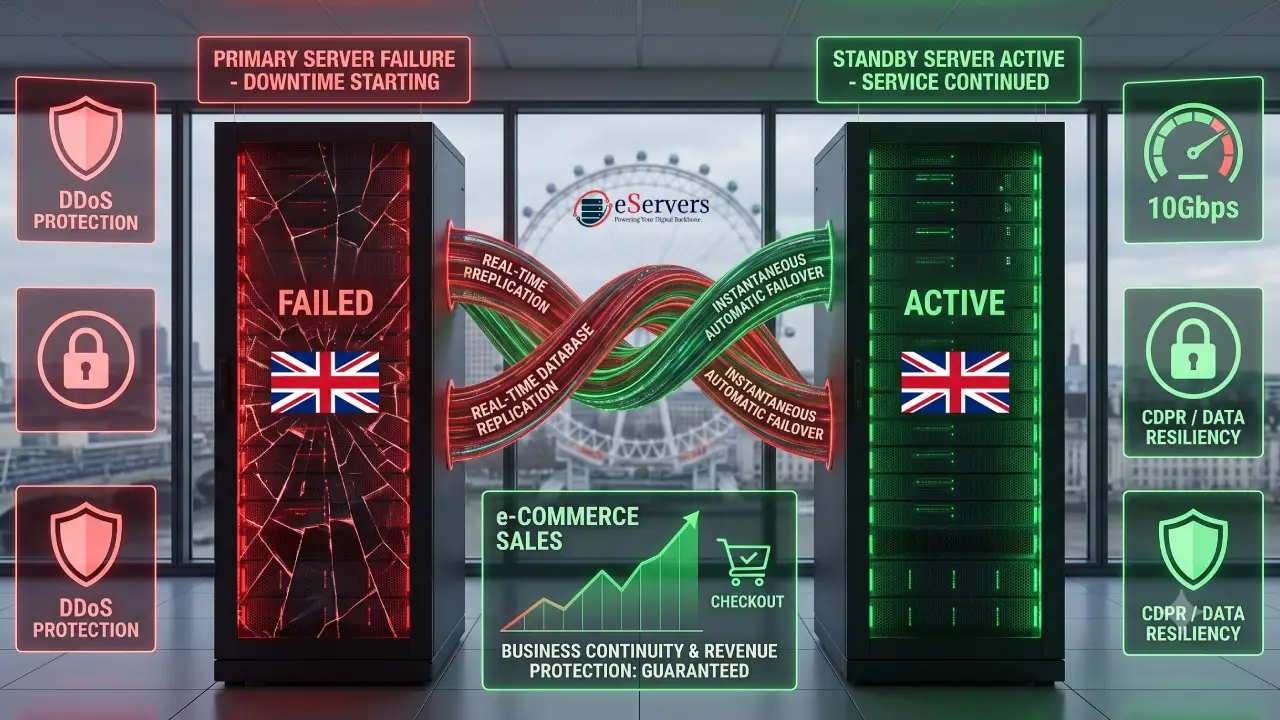
DDoS protection. A DDoS attack floods your server with fake traffic. There are two common defences, and they behave very differently:
Blackhole routing drops all traffic to the attacked IP address. It protects the network, but that IP goes offline until the attack ends.
Always-on filtering (scrubbing) removes the bad traffic and lets real visitors through.
eServers states DDoS protection of up to 250Gbps across its UK data centres. Its network page says all clients get automated blackhole routing, with an optional always-on filtering upgrade. For a public website or game server, confirm which mode your plan includes. For a full walkthrough, see how to stop a DDoS attack and the DDoS protected servers page.
Trading and microsecond workloads. Trading firms usually place hardware inside the exchange's own data centre and connect with a direct cable. A standard dedicated server rarely fits that need. If microseconds matter to you, ask for the exact building and the cross-connect options first.
Security basics. Whatever you buy, lock it down on day one. Our server security guide and SSH hardening checklist cover the essentials.
London vs Other UK Locations
Choose by where your users are and how much redundancy you need, not by reputation. Each location has a different strength:
London has the densest connectivity and the most carrier choice.
Manchester is the most-cited secondary UK market and gives northern users a shorter path.
Edinburgh and Glasgow serve Scottish users and add geographic distance for disaster recovery.
Birmingham sits in the middle of the country.
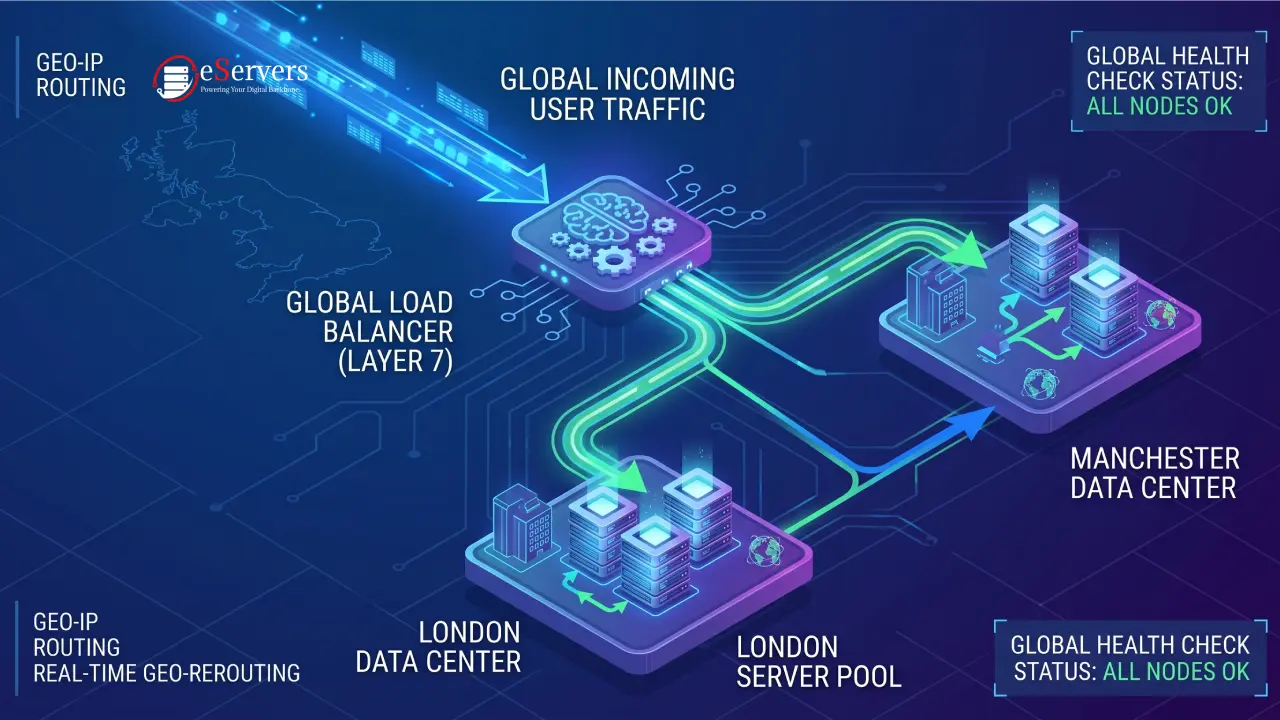
A common pattern is a main server in London with a backup in another city, so one local fault cannot take both down. Our disaster recovery guide shows how to plan it.
10-Point Checklist Before You Order
Where are most of my users, and what latency do I need?
Which exact data centre will host my server?
Is the CPU built for my workload (clock speed or core count)?
How much RAM do I need, and is it ECC?
Which storage type and RAID level fit my data?
Which port speed do I need, and is bandwidth unmetered?
Which DDoS mode is included: blackhole or always-on filtering?
What do the SLA and hardware replacement terms say in writing?
Is IPMI or remote console access included?
Is the OS licence included, and who handles backups and security?
Frequently Asked Questions (FAQ)
How much does a dedicated server in London cost?
Entry configurations on the London page were listed from $54 per month on 27 November 2026, and high-clock Ryzen builds with large RAM and NVMe cost several times more. The final price depends on CPU, RAM, storage, port speed, OS licence and management. See the pricing page and our dedicated server cost guide.
Is London a good location for a dedicated server?
Yes, if your users are in the UK or Europe. London has the largest data centre market in the UK and strong connectivity. If most users are elsewhere, a closer location may serve them better.
Can a US company rent a dedicated server in London?
Yes. Many US businesses host in London to serve UK and European customers. The London page lists card, bank transfer and cryptocurrency payments.
Does hosting in the UK make me GDPR compliant?
No. UK GDPR covers how you collect, use and protect personal data, not just where the server sits. UK hosting can make transfer questions simpler. Ask the ICO or a lawyer about your own case.
What is the difference between a dedicated server and a VPS in London?
A VPS shares one physical machine between many customers. A dedicated server gives you the whole machine, so performance is steadier and you have full control. Read when to upgrade if you are deciding.
What does "unmetered" mean?
It means there is no monthly data cap. It does not mean a faster port. A 1Gbps unmetered server still tops out at 1Gbps.
How fast can I get a London server online?
It depends on whether your chosen configuration is in stock. Ready-to-go configurations are the quickest, and custom builds take longer.
Should I choose managed or unmanaged?
Unmanaged gives you full control and a lower price, but you handle updates and security. Managed adds expert help. Our managed vs unmanaged guide compares them.
A dedicated server in London gives UK and European users a fast, short path to your software, and it gives US companies a practical European base. Match the hardware to the job, test the network before you commit, and ask the checklist questions above.
Ready to compare real stock? Browse the live range of dedicated servers in London, or explore bare metal servers across the UK. eServers also has a London office at 167-169 Great Portland Street, W1W 5PF, if you want to speak to someone before you order.