
If your website has outgrown shared hosting, or you're evaluating hosting options for the first time, you've probably run into the term "bare metal hosting" and wondered whether it's actually right for you — or just an expensive upgrade you don't need yet.
This guide explains exactly what a dedicated server is, how it differs from the alternatives, and how to know when your UK business genuinely needs one.
Quick answer: A dedicated server is a physical server rented or owned exclusively by one customer — no other business shares its CPU, RAM, storage, or network resources. This is the opposite of shared hosting, where hundreds of websites split the same physical machine, and different from cloud/VPS hosting, where resources are virtualised and split across multiple tenants on shared underlying hardware.
What Is a Dedicated Server, Exactly?
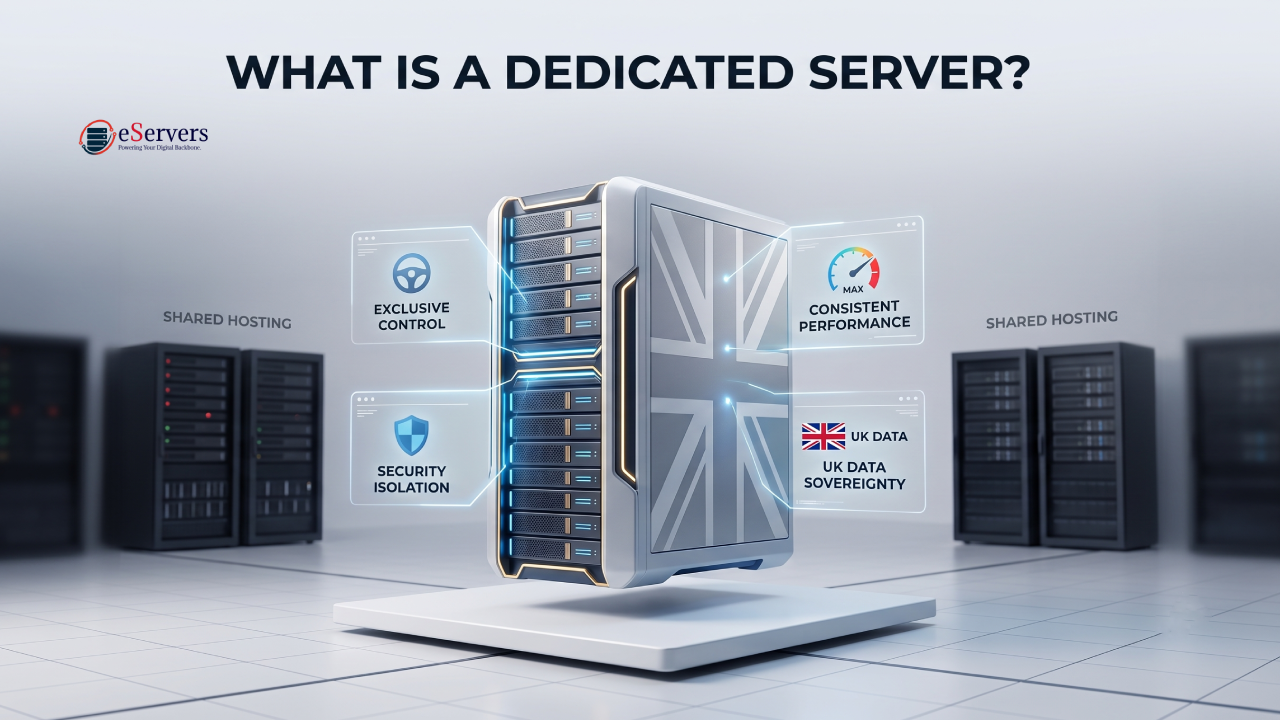
A dedicated server (also called bare metal hosting) is one physical machine, sitting in a data centre, allocated entirely to a single customer. When you rent a dedicated server, you are not sharing the CPU cores, RAM, storage drives, or network port with anyone else — the entire machine's resources belong to you for the duration of your contract.
This is different from most hosting types people start with:
Shared hosting: Hundreds of websites live on one physical server, splitting CPU and RAM. Cheap, but performance drops when other sites on the same server spike in traffic.
VPS (Virtual Private Server): A physical server is divided into multiple virtual machines using a hypervisor. You get guaranteed resources, but you're still sharing the underlying physical hardware with other VPS tenants.
Cloud hosting: Resources are pulled from a distributed pool of physical servers, scaled up or down on demand. Flexible, but performance and cost can be less predictable, and you're still on shared physical infrastructure underneath.
Dedicated server: The entire physical machine — every core, every gigabyte of RAM, every drive — is yours alone.
Why Businesses Choose Dedicated Over Shared or VPS
Performance Consistency
Because no other customer's traffic spike, backup job, or misconfigured script can eat into your resources, a dedicated server delivers consistent, predictable performance. This matters most for high-traffic e-commerce sites, databases, and applications where a slowdown directly costs revenue.
Full Hardware Control
A dedicated server gives you root/administrator access to configure the operating system, control panel, RAID configuration, and software stack exactly as your application needs — not as a shared-hosting provider's default template dictates.
Data Sovereignty and Compliance
For UK businesses handling customer data, choosing a dedicated server hosted in a UK data centre keeps that data under UK GDPR jurisdiction, with a clear, auditable physical location — an important consideration for regulated industries like finance, healthcare, and legal services.
Security Isolation
Since you're not sharing the physical machine with unknown third parties, a dedicated server removes an entire category of "noisy neighbour" security risk that exists on shared and some VPS environments — one compromised tenant on a shared box can't directly affect your isolated hardware. For ultimate peace of mind, pairing your infrastructure with enterprise DDoS protection ensures maximum operational security.
Key Dedicated Server Specs Explained (For Beginners)
When comparing dedicated server plans, you'll run into a handful of recurring terms. Here's what they actually mean:
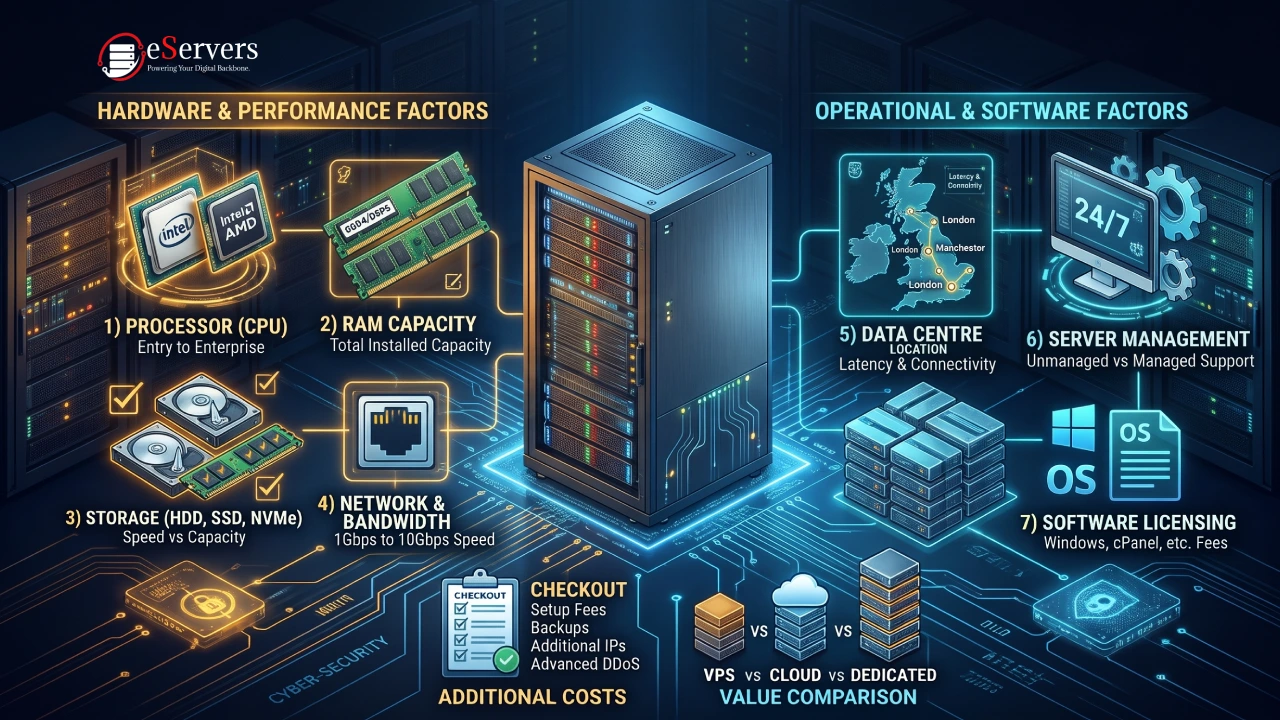
CPU (Processor) — The brand and model (e.g., Intel Xeon, AMD EPYC, AMD Ryzen) and core/thread count determine how many simultaneous tasks the server can handle. More cores generally means better performance for multi-threaded applications like databases or busy web servers.
RAM (Memory) — Temporary working memory. More RAM lets the server handle more concurrent visitors, larger databases, and heavier applications without slowing down.
Storage (HDD vs SSD vs NVMe) — NVMe SSDs are dramatically faster than traditional HDDs for read/write operations, directly impacting page load speed and database query times.
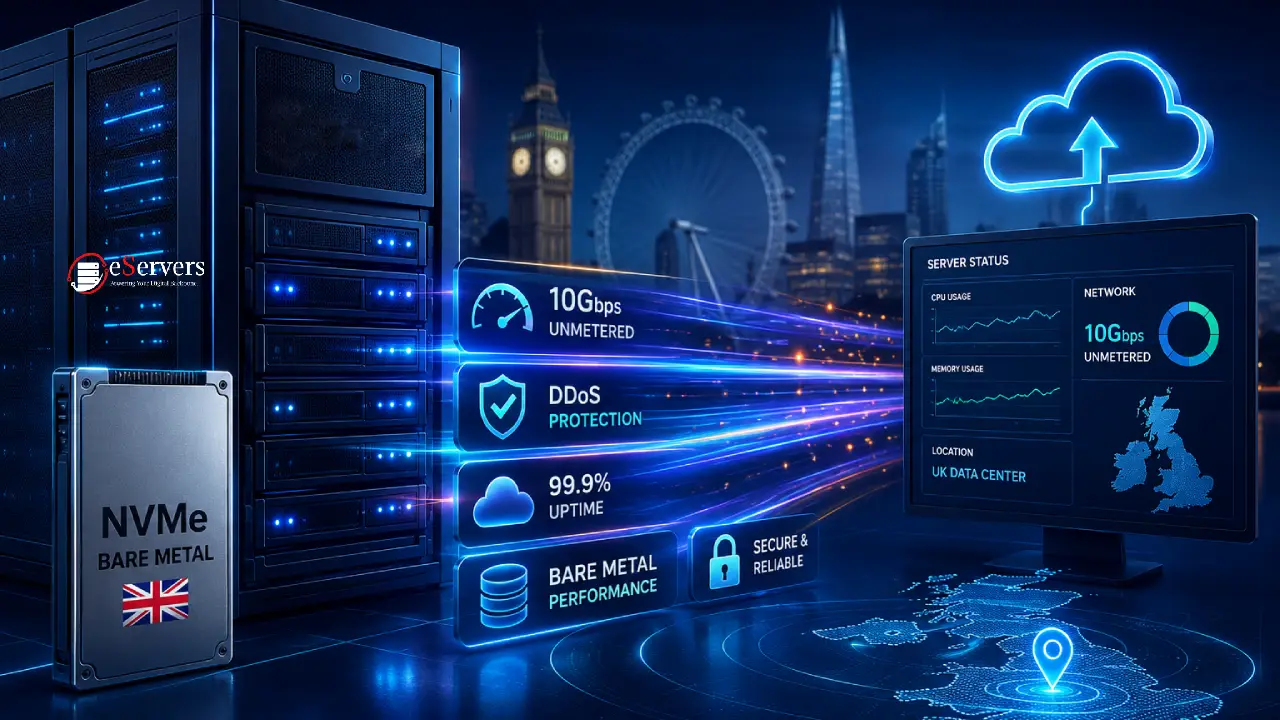
Bandwidth — The amount of data transfer included, either metered (capped, with overage charges) or unmetered bandwidth (unlimited within your port speed).
Port Speed — The maximum data transfer rate of your network connection (e.g., 1Gbps, or ultra-high throughput 10Gbps dedicated servers), separate from bandwidth allowance.
Managed vs Unmanaged — Unmanaged means you handle all server administration yourself; managed means the provider's team handles updates, monitoring, and troubleshooting for you.
Who Actually Needs a Dedicated Server?
A dedicated server isn't the right starting point for every website — but it becomes the right choice once you hit certain signals:
Your shared hosting or VPS is regularly hitting resource limits during traffic spikes.
You're running a high-traffic e-commerce store where checkout speed and uptime directly affect revenue.
You handle sensitive customer data and need clear compliance boundaries.
You're running resource-intensive applications — large databases, game servers, or heavy AI/ML workloads.
You need full control over the server environment for custom software or security configurations.
If you're a small business running a low-traffic brochure website, a dedicated server is almost certainly more than you need — shared hosting or a modest VPS will serve you better and cheaper until you actually outgrow it.
Dedicated Server vs VPS vs Cloud: The Short Version
| Factor | Shared Hosting | VPS | Cloud | Dedicated Server |
|---|---|---|---|---|
| Resource sharing | Heavy | Partial (virtualised) | Partial (pooled) | None |
| Performance consistency | Low | Medium | Variable | High |
| Customisation | Minimal | Good | Good | Full |
| Cost | Lowest | Low-Medium | Usage-based | Highest baseline |
| Best for | Small/low-traffic sites | Growing sites, dev environments | Scalable/variable workloads | High-traffic, compliance-sensitive, resource-intensive workloads |
The Bottom Line
A dedicated server gives your UK business exclusive access to an entire physical machine — consistent performance, full configuration control, and a clear compliance boundary that shared and virtualised hosting environments can't match. It's not the right fit for every website, but once your traffic, data sensitivity, or performance requirements outgrow shared or VPS hosting, it's the logical next step.
If you're unsure whether your business has actually reached that point, compare your current resource usage against your hosting limits first — that's usually the clearest signal of all.
View Our Dedicated Server Packages Chat with our UK Technical Team
Common Beginner Questions About Dedicated Servers
Do I need technical knowledge to use a dedicated server?
Not necessarily — if you choose a managed dedicated server, the provider's team handles operating system updates, security patching, and troubleshooting. Unmanaged servers require you (or your IT team) to handle administration yourself.
Is a dedicated server more secure than shared hosting?
Generally yes, because you're not sharing physical hardware with unknown third-party tenants. However, security also depends on how you (or your managed provider) configure and maintain the server — a poorly secured dedicated server is not automatically safer than a well-managed shared environment.
How much does a dedicated server cost in the UK?
Pricing varies significantly based on CPU, RAM, storage, bandwidth, and whether it's managed or unmanaged — ranging from budget entry-level configurations to high-end multi-CPU enterprise setups. Compare specifications carefully rather than price alone, since two "dedicated servers" at very different prices often have very different hardware underneath.
Can I upgrade from a dedicated server to something bigger later?
Yes — most providers let you upgrade hardware specifications or add additional servers as your needs grow, though this typically requires migrating to new hardware rather than a live resize (unlike some cloud/VPS environments).
What's the difference between dedicated server hosting and colocation?
With dedicated server hosting, you rent hardware owned by the provider. With colocation, you own the physical hardware and simply rent rack space, power, and network connectivity from the data centre.