


Picking an operating system for a dedicated server isn't like picking one for your laptop. You're not choosing based on what looks nice — you're choosing based on what your application needs to run, how comfortable your team is managing it, and in some cases, what it costs you every month on top of the server itself.
Quick answer: For most web hosting and open-source applications, Ubuntu LTS or AlmaLinux are the safest, most widely-supported choices. Choose Windows Server if your software specifically requires it (like .NET applications or Microsoft SQL Server). Choose Debian if long-term stability matters more than having the newest software versions. Choose Proxmox if you're planning to run multiple virtual servers on one physical machine rather than a single OS directly.
Here's a full breakdown of what's actually on offer, what each option is really built for, and how to match one to your project.
Why This Decision Matters More on a Dedicated Server
On shared or managed hosting, someone else often picks the OS for you. On a dedicated server, you get full root access — meaning you control everything, right down to the operating system itself. That's powerful, but it also means the OS choice is entirely yours to get right (or wrong).
The wrong choice doesn't just mean inconvenience. It can mean:
Software that simply won't run (a Windows-only application on a Linux server, for example)
Paying a licensing fee every month for an OS you didn't actually need
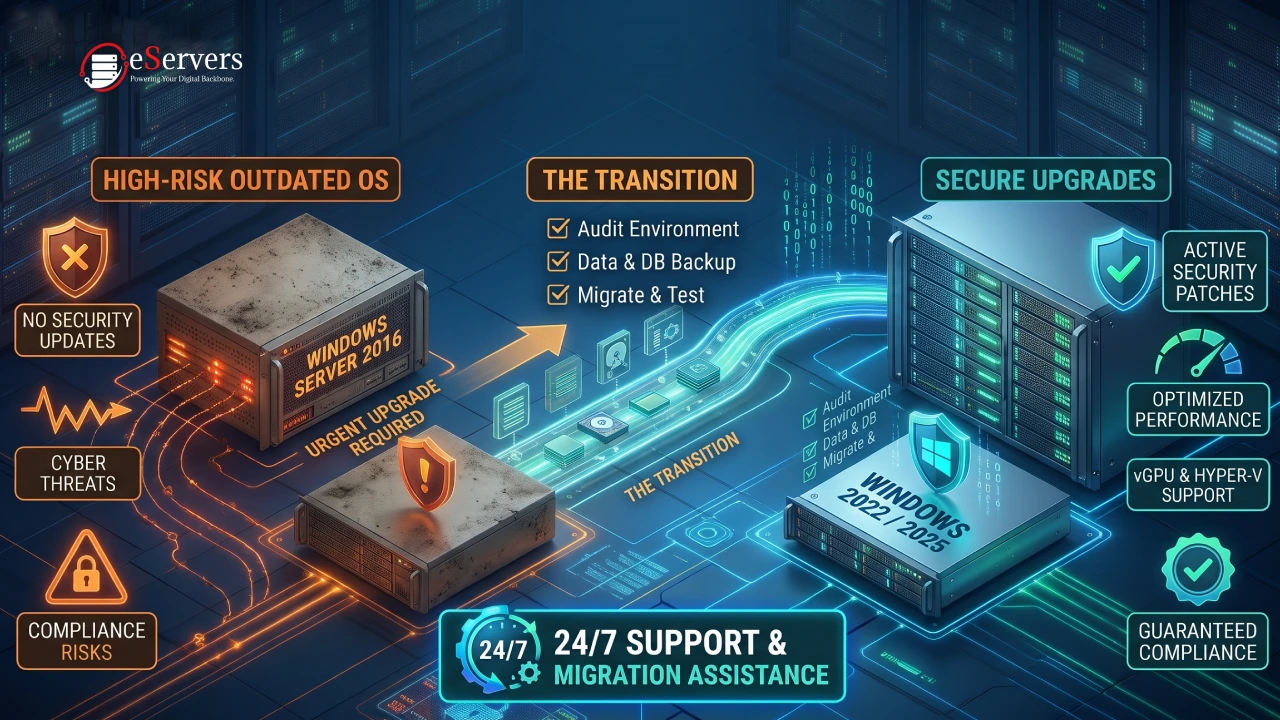
Missing security updates because you picked a version that's already reached end of life
A steeper learning curve than necessary for your team's actual skill level
Step One: Linux or Windows?
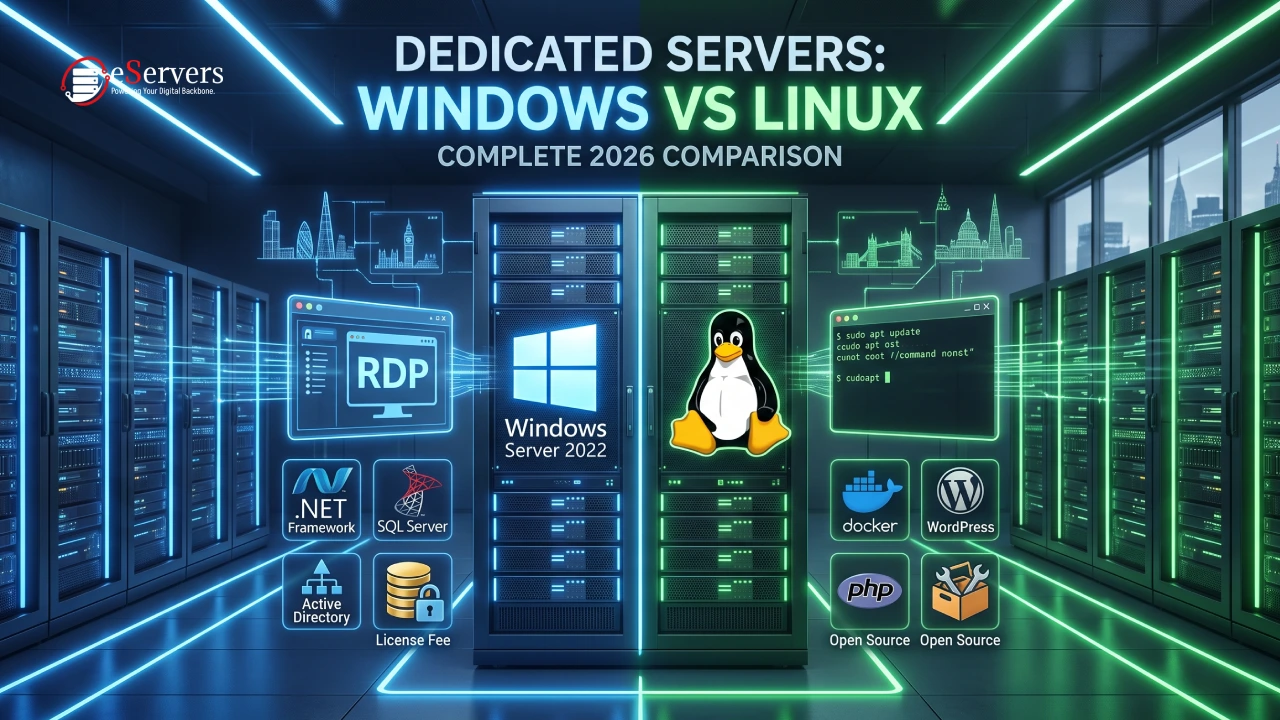
This is the first fork in the road, and it comes down to cost and compatibility more than personal preference.
Linux is free. Every Linux distribution (the general term for a specific "build" of Linux, like Ubuntu or Debian) costs nothing to license — you're only paying for the server hardware itself.
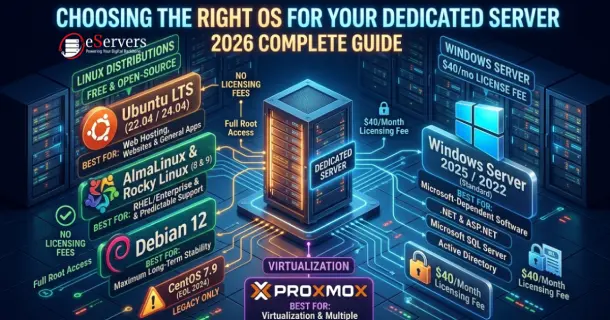
Windows Server costs extra. On eServers UK's own configuration options, Windows Server editions (2016, 2019, 2022, and 2025 Standard) each carry a $40/month licensing fee on top of the base server price. This isn't a hosting company markup — it reflects what Microsoft charges for the Windows Server license itself.
So unless your software specifically needs Windows, Linux is the lower-cost, equally capable starting point for the vast majority of workloads — websites, applications, databases, and development environments.
The Linux Distributions Explained
eServers UK's server configurator currently offers the following Linux options. Each one is built with a slightly different priority in mind:
AlmaLinux (8 and 9) — built to be fully compatible with Red Hat Enterprise Linux (RHEL), a long-standing enterprise Linux standard, but free to use. A strong choice if your software was built with RHEL/CentOS compatibility in mind, or if you want long, predictable support cycles.
Rocky Linux (8 and 9) — essentially the same idea as AlmaLinux: a free, RHEL-compatible option, created by the original founder of CentOS after CentOS changed its model. AlmaLinux and Rocky Linux are close enough that the choice between them often comes down to which community or support ecosystem you prefer.
CentOS Stream (8 and 9) — a "rolling release" version of CentOS, meaning it gets updates continuously rather than in big, infrequent version jumps. It's positioned as a preview of what's coming to RHEL next, which makes it more suited to testing than to a production server you want to stay untouched for years.
CentOS 7.9 (minimal) — worth a direct warning here: CentOS 7 reached end of life in mid-2024, meaning it no longer receives official security updates. It still appears as an option because some legacy software depends on it, but it's not a safe choice for a new production server unless you have a specific, unavoidable compatibility reason.
Debian (11 and 12) — known in the Linux world for being extremely stable and conservative with changes. Debian doesn't chase the newest software versions; it prioritises things not breaking. A solid pick if you want a server you can largely leave alone once it's configured.
Ubuntu (multiple versions: 20.04, 22.04, 24.04, and 25.10) — the most widely used Linux distribution for web hosting, with the largest community and the most available documentation, making it a strong default if you're not sure what else to pick. A few version details worth understanding:
LTS stands for "Long Term Support" — these versions (20.04, 22.04, 24.04) receive security updates for several years, making them the right choice for a production server.
25.10 is not an LTS release — non-LTS Ubuntu versions get only about 9 months of support, so they're better suited to testing the newest features than to a server you plan to run long-term.
"Minimal" vs "base" — a minimal install includes only the bare essentials, giving you a smaller, leaner starting point to build on yourself. A base install includes more default packages out of the box, which can save setup time if you don't need a stripped-down system.
HWE (Hardware Enablement) — a version of Ubuntu 20.04 built with newer hardware driver support backported in, useful if you're running on very recent server hardware that the original 20.04 release wouldn't recognise properly.
Arch Linux (latest minimal) — built for users who want to choose and configure literally everything themselves, with no assumptions made for you. It's powerful and current, but has a real learning curve and isn't recommended unless you're already comfortable with Linux administration.
Windows Server Versions Explained
eServers UK offers Windows Server 2016, 2019, 2022, and 2025, all in Standard edition, each at the same $40/month licensing fee. The practical differences:
Newer versions (2022, 2025) get the longest remaining support window and the latest security features — the safer default if you're starting fresh today.
Older versions (2016, 2019) mainly exist for compatibility with specific legacy software that hasn't been tested on newer Windows Server releases. Check your software vendor's supported OS list before defaulting to an older version just because it's familiar.
Unless you have a specific reason to run an older release, Windows Server 2022 or 2025 is the safer starting point for a new deployment.
What About Proxmox?
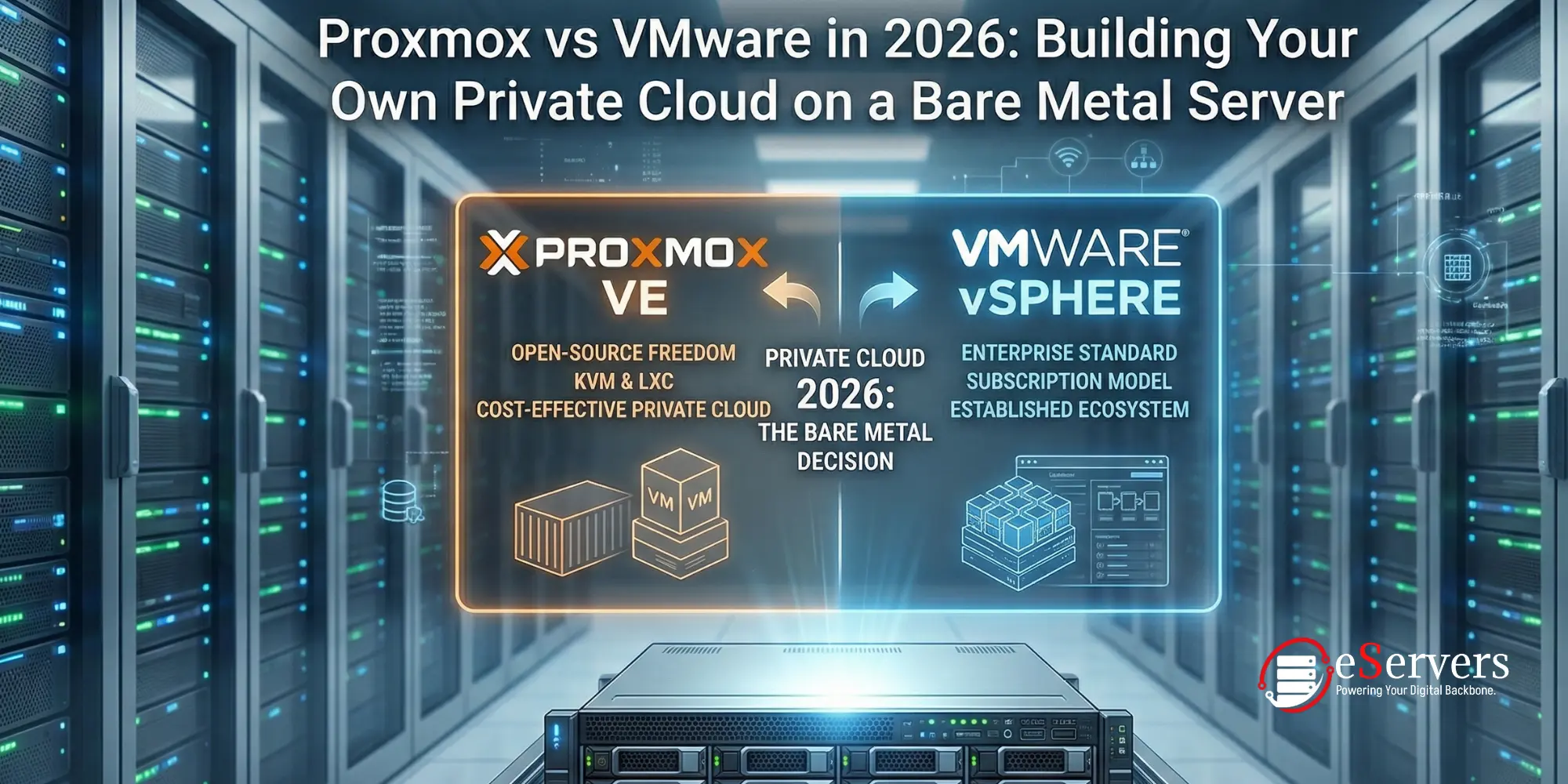
Proxmox stands out on this list because it isn't really a regular operating system in the same sense as Ubuntu or Windows — it's a virtualization platform. Instead of installing Proxmox to run one application directly, you install it to then create and manage multiple separate virtual servers on top of a single physical machine.
Choose Proxmox if your actual goal is running several isolated environments (say, a few different client projects, or separate dev/staging/production environments) on one dedicated server, rather than dedicating the whole machine to a single OS and application.
Matching an OS to Your Actual Use Case
| Your situation | Best fit |
|---|---|
| Hosting a website, blog, or general web app | Ubuntu LTS (22.04 or 24.04) |
| Need RHEL-compatible enterprise software | AlmaLinux or Rocky Linux |
| Want maximum long-term stability, minimal changes | Debian 12 |
| Running Microsoft-dependent business software (.NET, SQL Server) | Windows Server 2022 or 2025 |
| Testing newer Linux kernel features before committing | CentOS Stream or Ubuntu 25.10 |
| Running multiple virtual servers on one machine | Proxmox |
| Comfortable with deep Linux customisation | Arch Linux |
| Running legacy software with no other option | CentOS 7.9 (only if genuinely unavoidable) |
A Note on Matching Specs to Your OS
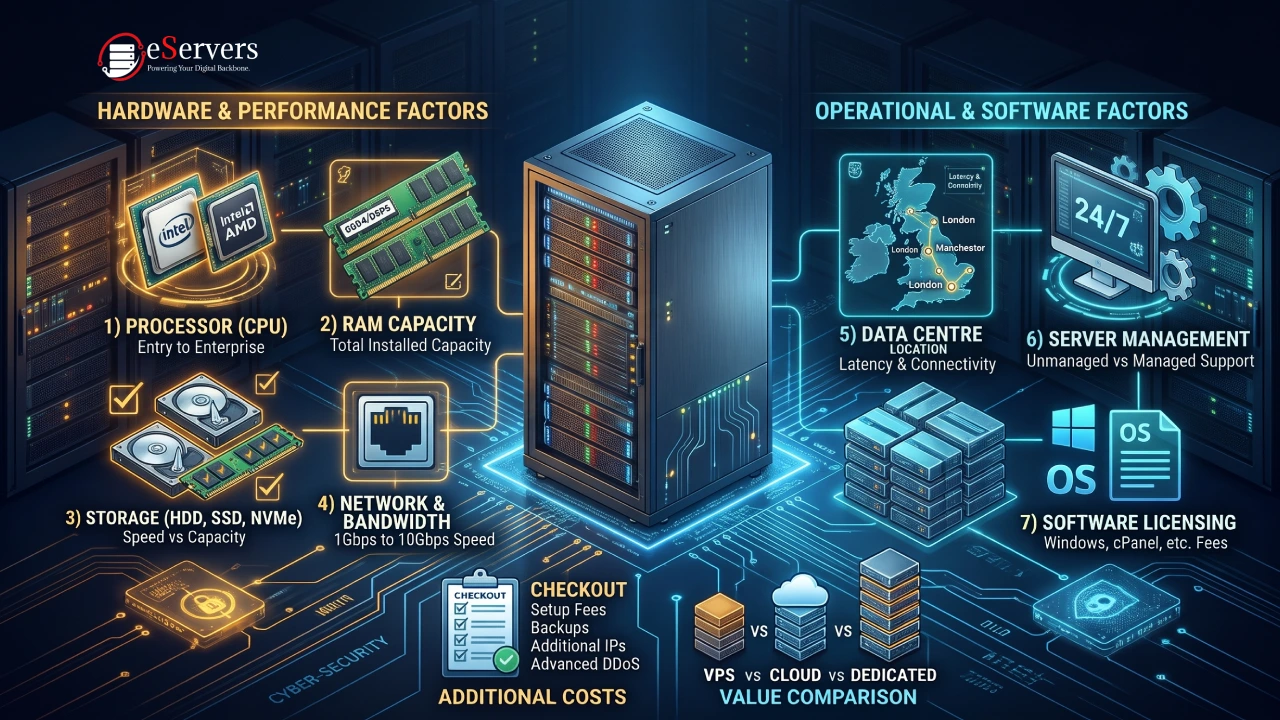
The OS you pick also affects how much RAM and storage you'll actually need. Windows Server, for instance, generally needs more RAM at idle than a minimal Linux install just to run its background services — something worth factoring in when you configure your server's specs, not just the OS dropdown. If you're unsure, start with a mid-range RAM allocation and keep an eye on usage once your application is live; it's easier to size correctly from real usage data than to guess upfront.
Frequently Asked Questions (FAQ)
Is Ubuntu or AlmaLinux better for a dedicated server?
Neither is objectively better — they serve slightly different priorities. Ubuntu has the larger community and more available tutorials/documentation, making it easier to troubleshoot. AlmaLinux is built for RHEL compatibility, which matters specifically if your software was designed with CentOS/RHEL in mind.
Why does Windows Server cost extra but Linux doesn't?
Windows Server requires a paid license from Microsoft, which gets passed on as a monthly fee. Linux distributions are open-source and free to use, so there's no equivalent licensing cost.
Should I avoid CentOS 7.9 completely?
For a new server, yes, in almost all cases. It reached end of life in 2024 and no longer receives security patches. It only makes sense if you're running legacy software with no supported alternative, and even then, it should be treated as a temporary bridge, not a long-term choice.
What does "LTS" mean, and why does it matter?
LTS stands for Long Term Support — it means that version of the OS will keep receiving security updates for several years. For any production server, picking an LTS (or equivalent long-support) version is almost always the right call over a short-support release.
Can I switch my server's OS later if I change my mind?
Usually yes, but it typically means a fresh install of the new OS rather than an in-place conversion, since switching the core operating system on a live server isn't a standard supported operation. It's worth getting the choice right upfront where possible.
Final Thoughts
Still unsure which option fits your specific application? Browse the full list of available operating systems directly on eServers UK's Operating Systems page, or explore their dedicated server range to match your OS choice with the right hardware specs from the start.