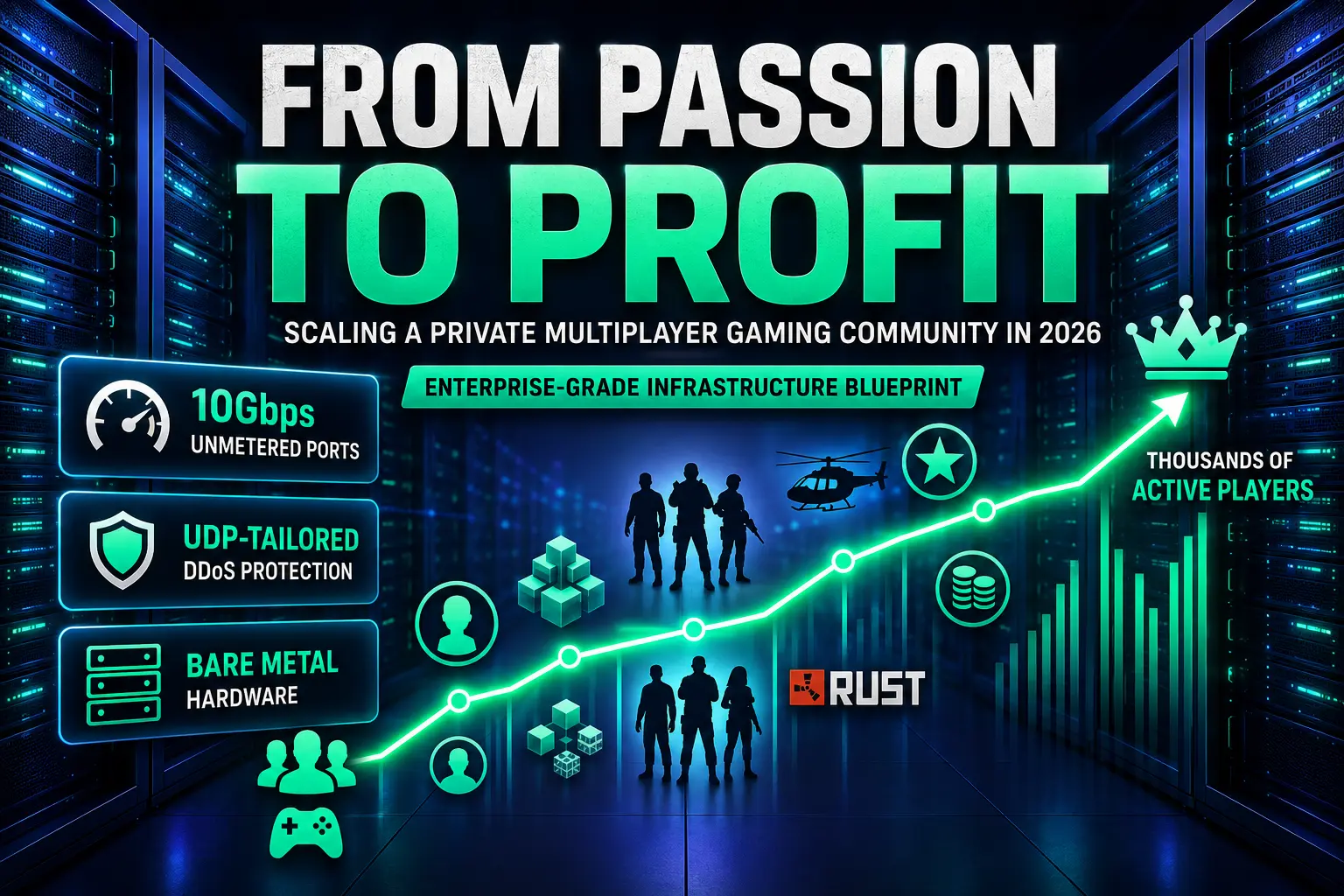



Most private gaming servers start the same way: a few friends, a Discord channel, and a world that began as a side project. The hard part isn't building that first community — it's what happens six months later, when fifty players turn into five hundred, lag complaints start piling up in your chat, and you realise the budget hosting you signed up for can't keep up anymore.
This guide walks through how to scale a multiplayer game server the right way — technically and financially — without overspending too early or under-investing right before the growth you were hoping for actually arrives.
Why Most Community Servers Hit a Wall
A community server's growth curve is rarely smooth. It tends to stay flat for a long time, then jump suddenly — usually right after a content update, a streamer plays on your server, or a post about it goes viral somewhere. That's exactly when shared hosting and budget VPS plans start to show their limits.
The core issue is resource sharing. On a shared host, your game server's performance competes with whatever else is running on that same physical machine. Server tick rate — how often the game world updates state — depends on steady CPU access, and on shared infrastructure that access isn't guaranteed. A server that felt smooth at 40 players can start stuttering at 150, even though nothing in your own configuration changed, because the underlying hardware is now juggling more tenants than it can serve consistently.
This is the point where moving to dedicated hardware stops being a nice-to-have and starts being the difference between keeping your playerbase and watching them drift toward a smoother server.
What Actually Matters When You Scale
1. Bandwidth Stops Being Optional Past a Certain Player Count
Every connected player sends and receives a constant stream of position updates, chat data, and game-state packets. The exact load depends on your game's tick rate and how many players are online at once — fast-paced shooters running at higher tick rates generate noticeably more network traffic per player than something like a survival or building game. Multiply that by a few hundred concurrent players, and you need real headroom, not just enough bandwidth to survive an average Tuesday.
Generous bandwidth — the kind found on higher-tier dedicated server plans — gives a private server room to handle simultaneous player spikes, large file downloads (mod packs, custom maps, client updates), and steady gameplay traffic without everything competing for the same narrow pipe. This matters most exactly when a server needs it most — during an event, a sale, or right after sudden exposure.
2. DDoS Protection Is Part of Running a Real Server, Not an Add-on
Here's something most new server owners don't expect until it happens to them: the moment your community starts to look successful, it becomes a target. Public game servers are frequent targets for both opportunistic, automated attacks and deliberate ones from rival servers or disgruntled players — and popular servers tend to get tested more than once.
Without dedicated mitigation in place, a single attack can knock your server offline during your busiest hours, which is exactly when player trust takes the biggest hit. Network-level DDoS protection filters malicious traffic before it ever reaches your game process, so legitimate players stay connected even while an attack is happening in the background. Some providers go further with game-aware filtering tuned to specific protocols, which matters more for UDP-heavy titles that are common DDoS targets.
3. Tick Rate and Latency Decide Whether Your Server "Feels" Good
Players rarely complain about CPU specs. They complain about lag. Tick rate (how often the server updates game state) and latency (how fast that update reaches the player) are two separate things, but together they create the feel of a server. A high tick rate doesn't help much if latency is poor, and vice versa — both depend heavily on having consistent, unshared hardware close to your player base.
The required tick rate varies a lot by genre: fast-paced competitive shooters benefit from high tick rates, while strategy or building games don't see much gain from pushing the number higher. What stays constant across genres is that shared hosting makes tick rate stability harder to guarantee, since your server's CPU access is contended by other tenants on the same machine.
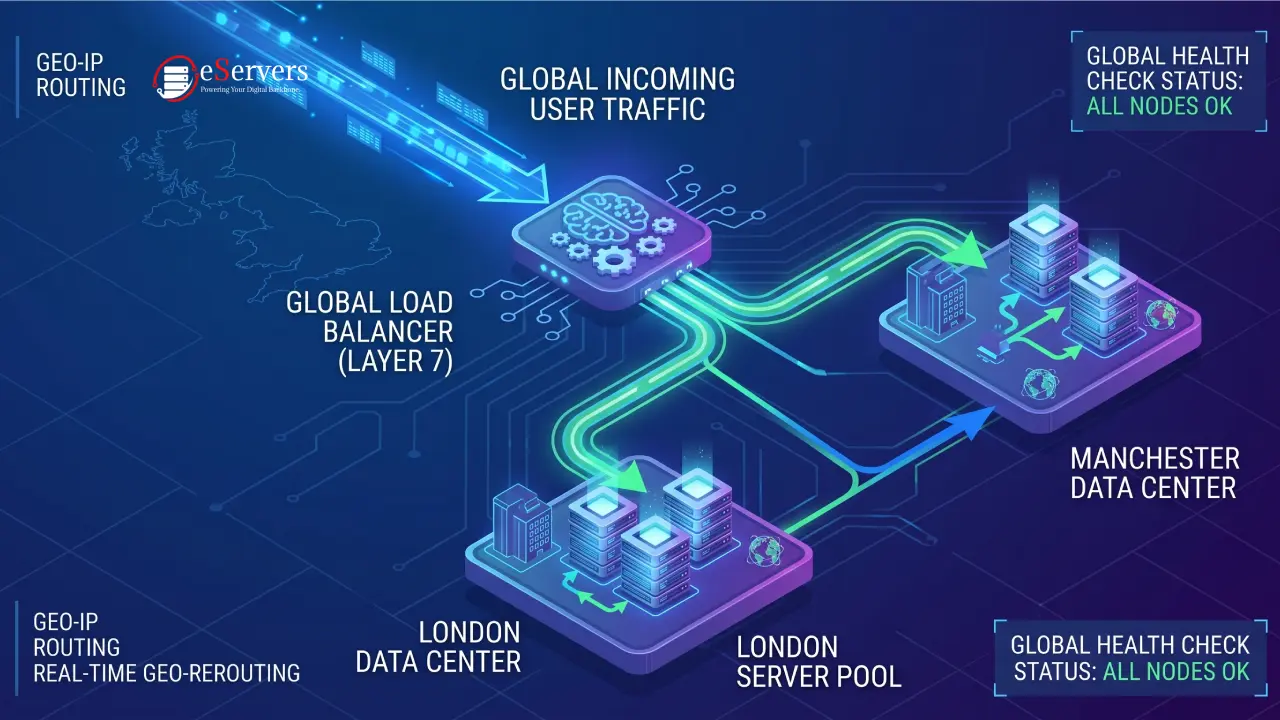
A server hosted in the same region as your community keeps round-trip time low by default, simply because the data has less physical distance to travel. That's a structural advantage no amount of software optimisation can fully replace — server placement and tick rate decisions work together, not as substitutes for each other.
Turning a Community Into a Business: Monetization That Doesn't Kill the Vibe
Scaling the server is only half the equation. The other half is making it sustainable — ideally, making it pay for itself and then some. Here's where most community owners either get it right or burn through goodwill fast.
What tends to work:
Cosmetic-only stores — skins, name colours, custom emotes. No gameplay advantage, so paying players don't feel "better," just more expressive.
Priority queue access — during busy periods, supporters skip the wait. This solves a real problem (overcrowding) without touching balance.
Server-specific perks with caps — extra storage slots, private plots, or cosmetic ranks, kept deliberately separate from anything that affects combat or progression.
Membership tiers via Patreon or Ko-fi — recurring revenue tied to perks like early access to new maps or a private Discord channel, rather than in-game power.
What tends to backfire:
Pay-to-win mechanics. Even a small stat boost behind a paywall is usually the fastest way to lose a community's trust — and once that trust is gone, players rarely come back to explain why.
Surprise monetization. Announcing a cash shop after months of "always free" feels like a bait-and-switch, even when the intentions behind it are reasonable.
The healthiest model treats monetization as funding better infrastructure — visibly. Communities tend to tolerate, and sometimes actively support, a cosmetic shop when they can see it's paying for the bandwidth and hardware that keeps the server lag-free, especially during the exact growth spurts described above.
A Practical Scaling Checklist
Track your real numbers before you upgrade. Look at peak concurrent players, not average. Growth happens in bursts, and your infrastructure needs to survive the bursts, not just an average evening.
Move to dedicated hardware before you're forced to, not after a bad weekend convinces half your community to quit.
Separate game logic from web/community infrastructure (forums, store, Discord bots) where possible, so a spike in one doesn't degrade the other.
Set monetization expectations early and keep them consistent. Players adapt to almost any model if it's clearly communicated from day one.
Monitor latency by region, not just overall uptime. A server can have excellent uptime and still feel bad if most of your players are getting routed through a far-away node.
The Bottom Line
A private multiplayer server that's outgrowing its hosting isn't a problem — it's a sign the community is working. The servers that successfully make the jump from passion project to sustainable (sometimes profitable) operation are the ones that scale their infrastructure deliberately: enough bandwidth to handle real spikes, DDoS protection that doesn't wait for the first attack to matter, and a hosting location that keeps latency low for the players actually showing up.
Get that foundation right, and monetization becomes a much easier conversation — because you're not asking players to pay to fix lag. You're asking them to support something that already works.
Frequently Asked Questions (FAQ)
How many players can a dedicated gaming server handle?
It depends heavily on the game itself, tick rate settings, and mod load — there's no single number that applies across titles. As a rule of thumb, dedicated hardware scales more predictably than shared hosting because resources aren't split with other tenants, so player capacity grows in line with the hardware you choose rather than hitting a hidden ceiling.
Is high bandwidth overkill for a small gaming community?
For a server with a handful of players, generous bandwidth isn't necessary yet — but communities that plan to grow benefit from headroom that doesn't need re-provisioning every time the playerbase doubles. Having that capacity in place from the start avoids a scramble during the exact traffic spike a server is least prepared to handle.
Do I need DDoS protection if my server is small?
Smaller servers are less likely to be targeted, but "less likely" isn't "unlikely." Many attacks aren't personal — they're automated and target visible game ports indiscriminately. Network-level protection means it's already in place if and when it's needed, rather than something added in a panic after the first attack.
What's the safest way to monetize a private gaming community?
Cosmetic items, priority access, and membership perks tend to be the safest paths because they don't affect game balance. Pay-to-win mechanics consistently damage trust faster than they generate revenue, even in communities that initially seem open to them.