


Every server on the internet needs an address. That address is called an IP address, and right now there are two versions in use: IPv4 and IPv6. If you're renting or managing a dedicated server in the UK, the version you use affects your hosting cost, your email delivery, your SEO, and even how easily customers can reach your site.
This guide explains the difference in plain English, shows real UK dedicated server IP pricing, and helps you decide whether your server needs IPv4, IPv6, or both.
What Is an IP Address, in Simple Terms
An IP address is like a postal address for your server. When someone types your website's domain name, their computer looks up your IP address and sends the request there. Without an IP address, no data can find its way to your server.
There are two systems currently used to create these addresses: IPv4 and IPv6.
What Is IPv4?
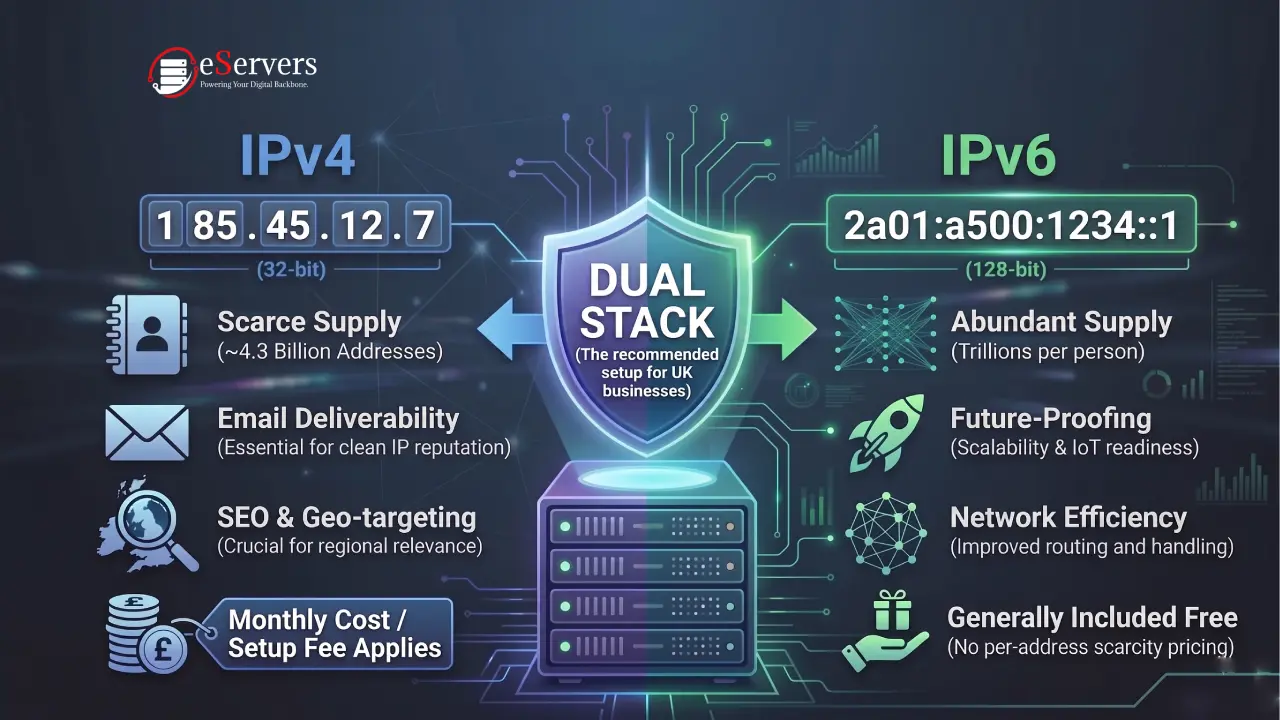
IPv4 (Internet Protocol version 4) is the original addressing system, built in the early 1980s. It uses a 32-bit format, written as four numbers separated by dots, for example 185.45.12.7.
The problem with IPv4 is simple: there are only about 4.3 billion possible addresses. With billions of devices online today, those addresses ran out years ago. This is why IPv4 addresses now have to be bought, leased, or reused — they're a limited resource, and that scarcity is reflected in hosting prices.
Almost every dedicated server still ships with at least one IPv4 address by default, because most of the internet — old software, older routers, some corporate networks, and many APIs — still depends on it.
What Is IPv6?
IPv6 (Internet Protocol version 6) was created to solve the address shortage. It uses a 128-bit format, written in groups of hexadecimal numbers, for example 2a01:a500:1234::1.
The number of possible IPv6 addresses is enormous — trillions of trillions per person on Earth — so exhaustion is not a concern. IPv6 also comes with some built-in efficiency improvements to routing and packet handling compared to IPv4.
The catch: IPv6 adoption is still uneven. Some networks, some corporate firewalls, and some older client software still can't reach IPv6-only servers. That's why almost no serious hosting setup runs IPv6-only — most run dual stack, meaning both IPv4 and IPv6 are active on the same server.
IPv4 vs IPv6: Quick Comparison
| IPv4 | IPv6 | |
|---|---|---|
| Address length | 32-bit | 128-bit |
| Format example | 185.45.12.7 | 2a01:a500:1234::1 |
| Total addresses | ~4.3 billion | Effectively unlimited |
| Availability | Scarce, paid, leased | Freely available |
| Compatibility | Universal | Growing, not yet universal |
| Cost on most UK hosts | Charged per address/block | Usually included free |
| Best for | Legacy systems, email, geo-targeting, older client compatibility | Future-proofing, large-scale deployments, IoT, internal networking |
Why the IP Version Matters for a Dedicated Server
This isn't just a technical detail. On a dedicated server, your IP setup affects real business outcomes:
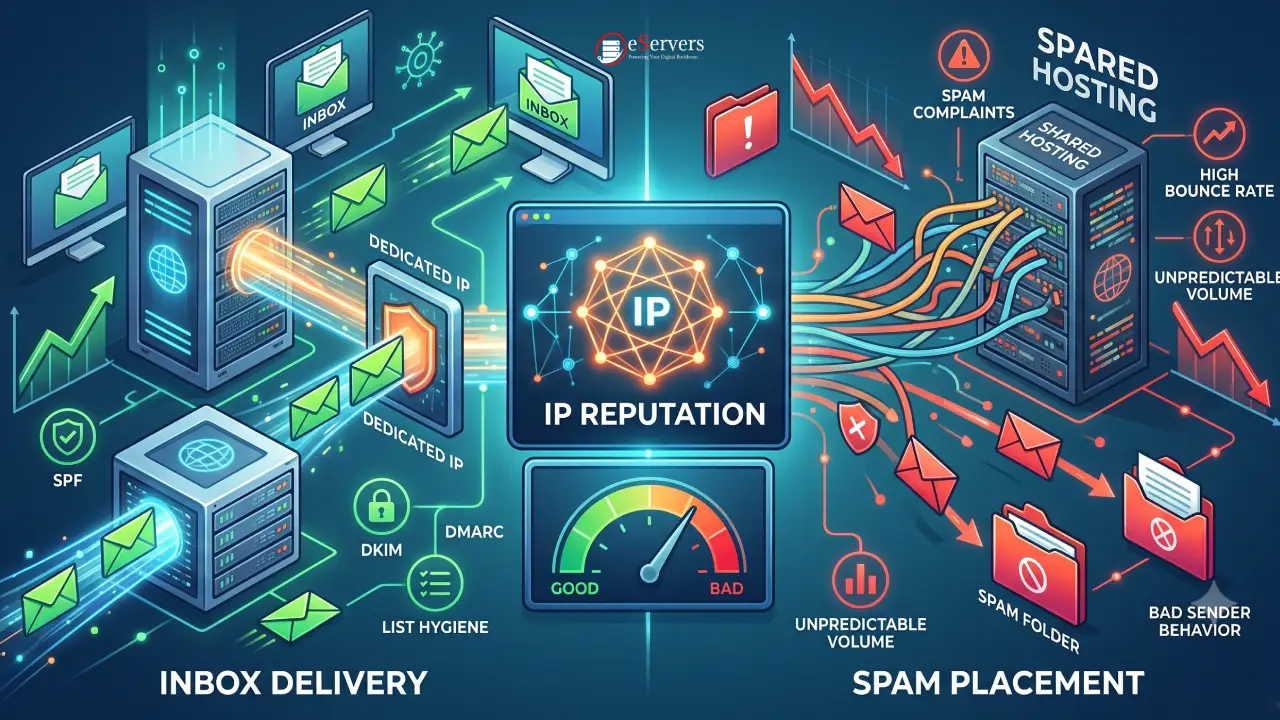
Email deliverability. A dedicated IPv4 address with a clean history is still the standard for sending email reliably. Shared or "dirty" IPs get flagged by spam filters faster.
SEO and geo-targeting. Search engines and geolocation services still key heavily off IPv4 ranges to determine where a server — and by extension a website — is physically based. If you're targeting UK customers, a UK-registered IPv4 address on a UK server reinforces that signal. Our guide on server location and hosting performance covers this in more depth.
Multiple SSL certificates / legacy apps. Some older software and licensing systems still bind to a specific IPv4 address rather than a domain name.
Network segmentation. IPv6's huge address space makes it easier to give every internal service, container, or VM its own address without running out — useful if you're running multiple services on one dedicated server.
Future-proofing and scale. If you're deploying IoT endpoints, large containerised workloads, or anything that will scale into thousands of internal addresses, IPv6 removes the address-management headache entirely.
Do You Need IPv4, IPv6, or Both?
For almost every UK business running a dedicated server, the answer is dual stack — both IPv4 and IPv6 running side by side. Here's how to think about it:
Website or e-commerce store: Keep IPv4 (for compatibility and SEO), add IPv6 if your control panel and CDN support it — no downside.
Email server: IPv4 is still essential. A dedicated, warmed-up IPv4 address protects your sender reputation.
Gaming or real-time applications: IPv4 remains the safer default, since not all players' ISPs route IPv6 well yet.
Large-scale internal infrastructure (containers, microservices, IoT): IPv6 solves address exhaustion at the internal level, IPv4 stays for external-facing endpoint.
Multiple SSL/TLS certificates on one server: Additional IPv4 addresses (or subnets) are still commonly used for older SSL setups, though SNI has reduced the need for this in most modern stacks.
Real UK Dedicated Server IP Pricing
Pricing for extra IP addresses varies by host. As a real, current example, here's what additional IPv4 allocations cost on a UK dedicated server, based on eServers' published IP address pricing:
| Allocation | Monthly Price | Setup Fee |
|---|---|---|
| Additional single IPv4 | $6.99 | $25.00 |
| /29 subnet (6 usable IPs) | $55.92 | $25.00 |
| /28 subnet (14 usable IPs) | $111.84 | $25.00 |
| /27 subnet (30 usable IPs) | $223.68 | $25.00 |
| /26 subnet (62 usable IPs) | $447.36 | $50.00 |
| /25 subnet (126 usable IPs) | $894.72 | $50.00 |
| /24 subnet (254 usable IPs) | $1,789.44 | $50.00 |
Your primary IPv4 address is included with the server itself. IPv6 allocations are generally provided without the per-address scarcity pricing that applies to IPv4, since address space isn't a constraint — but availability and block size still depend on your provider's network setup, so it's worth confirming directly.
The Network Behind the IP Address Matters Too
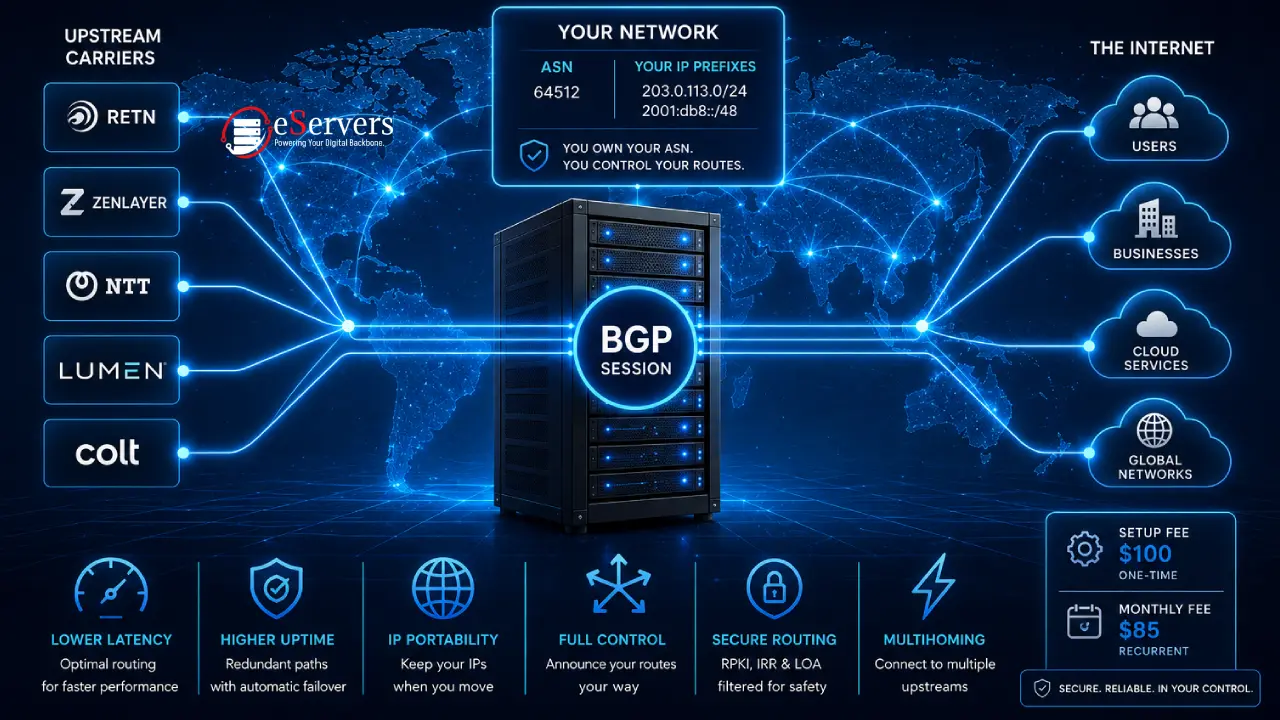
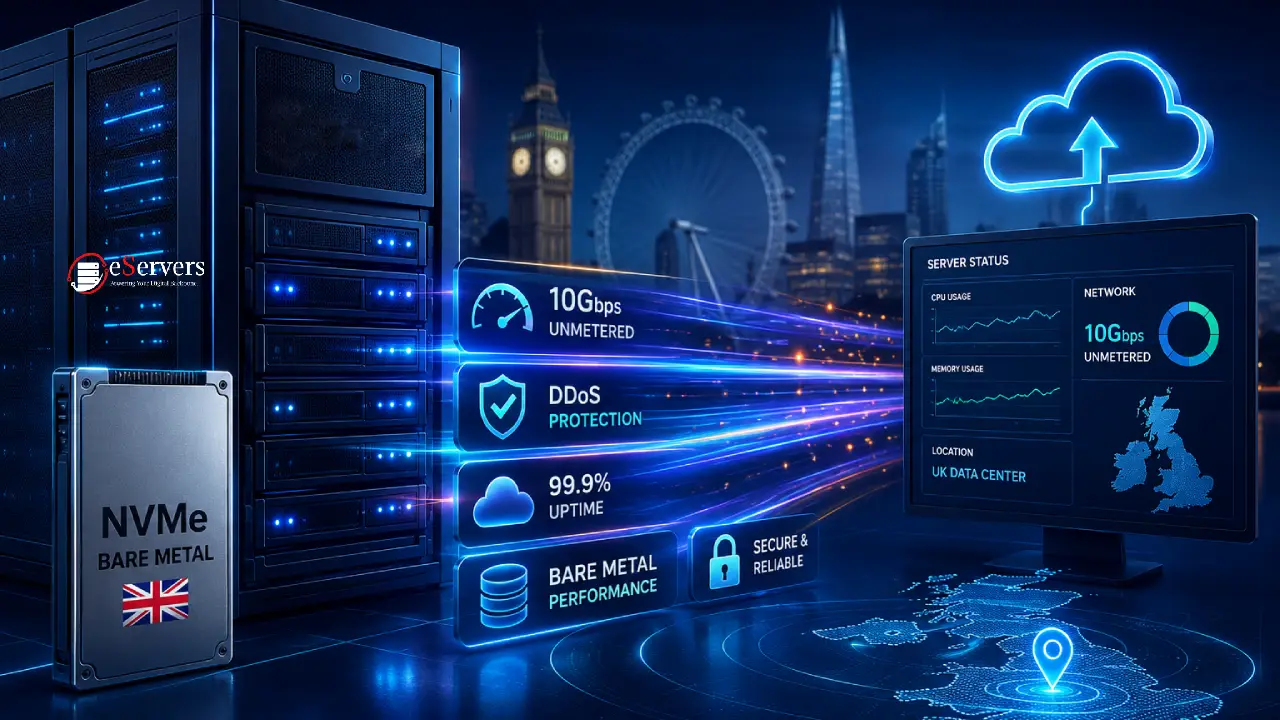
An IP address is only as good as the network carrying it. This is where UK-based dedicated hosting has a real advantage over budget offshore or cloud alternatives. eServers' network runs on its own Autonomous System, AS42831, with direct peering at major UK internet exchanges including LINX and LONAP — the same exchange points major UK ISPs and content networks use to keep traffic local and fast. On top of that, eServers works with a mix of Tier-1 and regional bandwidth partners — including NTT, Lumen, Zayo, Colt, and Zenlayer — to keep routes short and redundant.
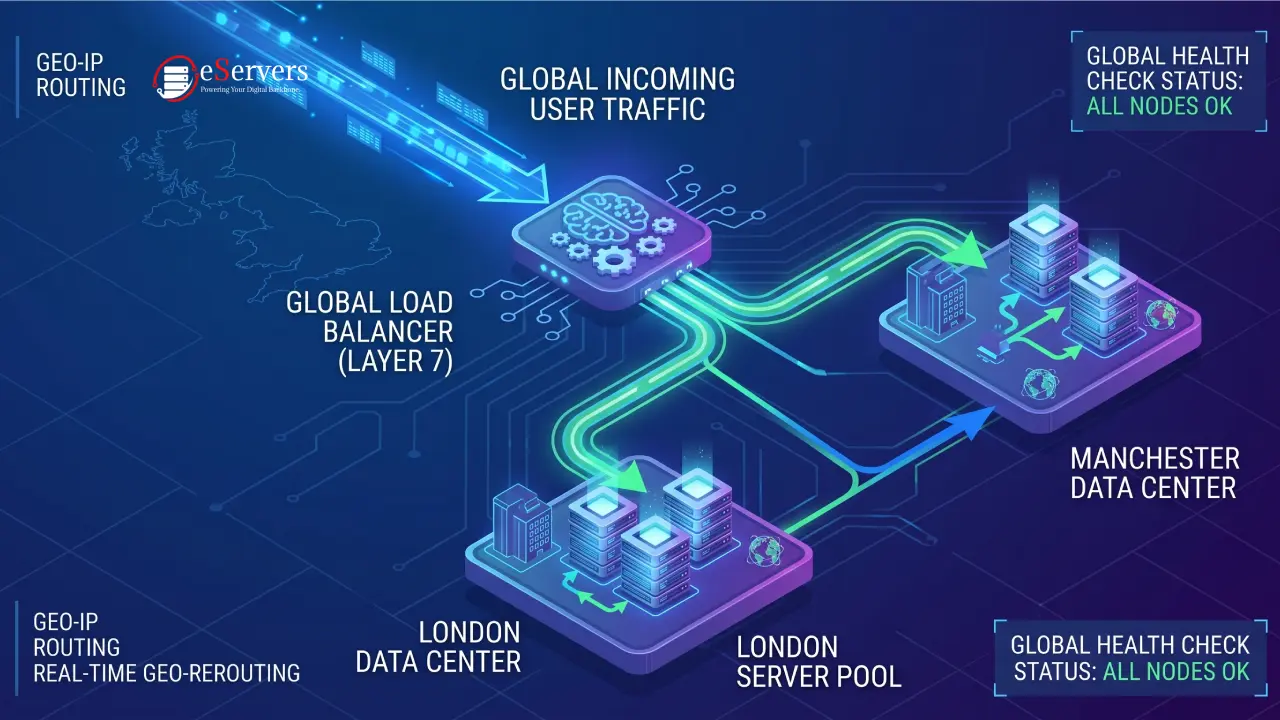
That matters practically: an IPv4 or IPv6 address routed efficiently through UK peering points reaches UK visitors faster than the same address routed through a generic international network. If uptime and routing resilience matter to you, it's also worth reading how eServers approaches DDoS mitigation at the network level, since IP-level attacks are filtered before they ever reach your server.
How to Choose the Right Setup
A short checklist before you order or upgrade:
Check what your control panel needs. cPanel, Plesk, and most panels support dual stack out of the box — confirm before assuming.
Count your SSL and licensing requirements. If any legacy software binds to a fixed IPv4 address, budget for extra IPv4 blocks.
Decide if you're sending email. If yes, get a dedicated IPv4 address and warm it up properly — don't share it with unrelated traffic.
Think about growth. If you expect to scale internal services into the hundreds or thousands, plan your addressing with IPv6 from day one.
Confirm your host's peering. A well-peered UK network (like LINX/LONAP presence) reduces latency regardless of which IP version you use.
Final Thoughts
For most UK businesses, the practical answer is dual stack: keep a dedicated IPv4 address for compatibility, email, and SEO, and add IPv6 where your infrastructure and control panel support it. What matters just as much as the address itself is the network it sits on — peering, routing, and uptime all shape how fast that address actually performs for real visitors.
If you're setting up a new dedicated server or adding IP allocations to an existing one, you can see live pricing and configure your setup on the UK dedicated server pricing page, or check current IPv4 and IPv6 address options directly.
Frequently Asked Questions (FAQ)
What is the main difference between IPv4 and IPv6?
IPv4 uses a 32-bit address format with a limited pool of roughly 4.3 billion addresses. IPv6 uses a 128-bit format with an effectively unlimited address pool, solving the exhaustion problem IPv4 has.
Do I need IPv6 for my dedicated server?
Not strictly. Most UK businesses run dual stack — keeping IPv4 for compatibility and adding IPv6 for future-proofing — rather than switching entirely.
Can a dedicated server have both IPv4 and IPv6 at the same time?
Yes. This is called dual stack, and it's the standard setup for most modern dedicated servers, including those from eServers.
Why do IPv4 addresses cost more than IPv6?
IPv4 address space is limited and effectively a scarce resource being resold and re-leased. IPv6 address space is vast, so there's no equivalent scarcity driving up cost.
Does my server's IP address affect SEO?
Indirectly, yes. Search engines use IP-based geolocation as one signal among many for regional relevance. A UK-hosted server with a UK IPv4 address supports UK-targeted SEO, alongside domain TLD, content, and other stronger ranking factors.